How APL Built a 99-Lighthouse Blog in 6 Sessions
An autonomous coding agent executed 47 stories across 6 epics, producing 4,200 lines of code and Lighthouse 99 performance with two hours of human input.
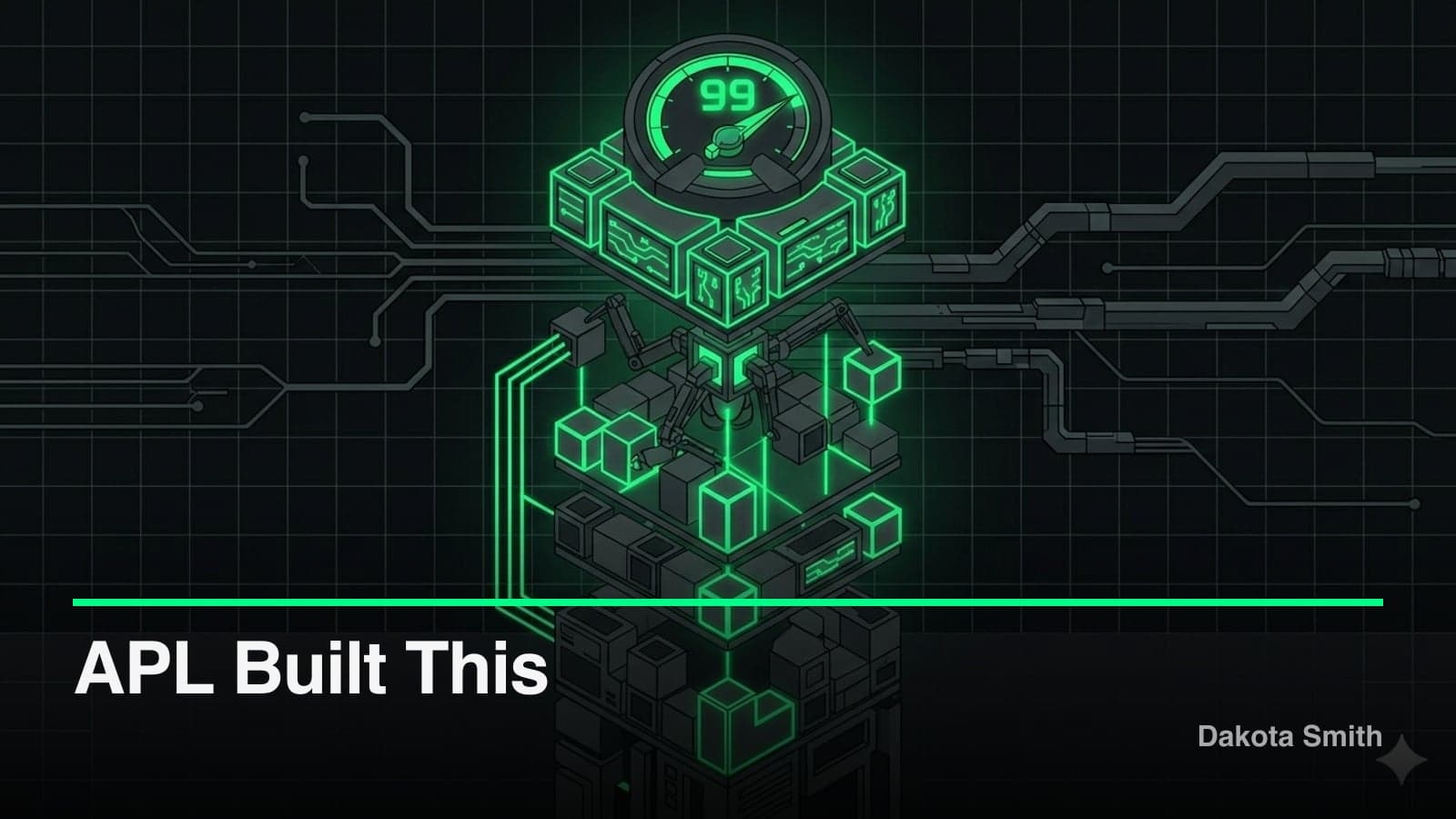
47 stories. 6 epics. 4,200 lines of code. Lighthouse 99 performance. Two hours of human input.
The blog you're reading was built by APL—the Autonomous Phased Looper. I wrote a spec document defining the architecture, design system, and performance targets. APL planned the work, executed it across six sessions, and reviewed its own output. Here's the full breakdown of what that looked like, where APL needed help, and what the numbers reveal about autonomous development.
The Spec: What APL Received
APL started with a CLAUDE.md file containing:
- Next.js 16 with App Router and SSG
- Neo-brutalist dark design (thick borders, hard shadows, no rounded corners)
- MDX content with advanced code highlighting via Shiki
- Lighthouse scores of 98+ across all categories
- WCAG 2.1 AA accessibility compliance
- Giscus comments, Vercel Analytics, Schema.org structured data
The spec included color values (#0A0A0A background, #F5F5F5 text, #333333 surface), typography rules (Space Grotesk, 400/600/700 weights), performance targets (LCP < 2.0s, CLS < 0.05), and content structure (MDX files in /content/posts/ with specific frontmatter schema). Everything APL needed to make decisions without asking.
Spec quality determines output quality. Vague specs produce vague code. The CLAUDE.md ran 400+ lines because every ambiguous decision was resolved upfront.
Planning: 6 Epics, 47 Stories
Using APL's Tree-of-Thoughts planning, I ran:
/apl Build the complete blog according to CLAUDE.mdThe planner decomposed the project into six epics with dependency analysis:
Epic 1: Foundation & Project Setup         (5 stories)
Epic 2: Advanced Code Highlighting System   (4 stories)
Epic 3: Core UI Components & Design System  (8 stories)
Epic 4: Blog Pages & Content Display        (7 stories)
Epic 5: SEO, Analytics & Comments           (7 stories)
Epic 6: Performance Optimization            (11 stories)  ← 5 more stories than any other epic
The task graph identified parallelization opportunities:
Epic 1 ────────────────────────────────────────┐
   │                                            │
   ├── Epic 2 (parallel) ─────────────────────┐│
   │                                           ││
   └── Epic 3 ──── Epic 4 ──── Epic 5 ──── Epic 6
Epic 2 (code highlighting) had no dependencies on Epic 3 (UI components) and could run in parallel. Each story had explicit success criteria—the same pattern that STUDIO later formalized with mandatory validation commands per step.
{
  "id": "story_3_04",
  "subject": "Build BlogCard component with neo-brutalist styling",
  "success_criteria": [
    "Component renders title, excerpt, date, tags",
    "4px solid border with #333333 color",
    "Hard shadow offset (4px, 4px) with no blur",
    "Hover state with color transition",
    "Keyboard focusable with visible focus ring",
    "Passes axe accessibility audit"
  ]
}
Execution: Epic by Epic
Epics 1-2: Foundation and Code Highlighting
The coder agent initialized the Next.js project, configured TypeScript strict mode, set up Tailwind with custom design tokens, and installed the MDX pipeline. The Tailwind config encoded the spec's design system:
// Generated by APL - tailwind.config.ts
const config: Config = {
  theme: {
    extend: {
      colors: {
        background: '#0A0A0A',
        surface: '#333333',
        text: '#F5F5F5',
        muted: '#A9A9A9',
      },
      fontFamily: {
        sans: ['Space Grotesk', 'sans-serif'],
      },
      boxShadow: {
        'brutal': '4px 4px 0px 0px #333333',
        'brutal-hover': '6px 6px 0px 0px #333333',
      },
    },
  },
};
The Shiki integration required the ReAct loop to self-correct. APL's first attempt used rehype-pretty-code, but the line highlighting syntax conflicted with MDX processing:
REASON: rehype-pretty-code throws "Unexpected token" on line highlights
ACT: Switch to direct Shiki integration with custom rehype plugin
OBSERVE: Syntax highlighting works, line numbers render correctly
VERIFY: ✓ Code blocks highlight, ✓ Line numbers visible, ✓ Diff syntax works
The fix took one retry cycle. APL switched to direct Shiki integration and validated all three success criteria before moving on.
Epics 3-4: UI Components and Pages
Epic 3 produced 12 components with neo-brutalist constraints. Every component included focus states because the spec mentioned WCAG compliance and the success criteria included "keyboard focusable with visible focus ring":
// Generated by APL - components/ui/Button.tsx
export function Button({ children, variant = 'primary', onClick }: ButtonProps) {
  return (
    <button
      onClick={onClick}
      className={cn(
        'px-6 py-3 font-semibold border-4 border-surface',
        'shadow-brutal hover:shadow-brutal-hover',
        'transition-shadow duration-150',
        'focus:outline-none focus:ring-2 focus:ring-text focus:ring-offset-2 focus:ring-offset-background',
        variant === 'primary' && 'bg-text text-background',
        variant === 'secondary' && 'bg-background text-text'
      )}
    >
      {children}
    </button>
  );
}
Epic 4 wired the components into pages. The blog listing and individual post pages connected through the MDX pipeline with static generation:
// Generated by APL - app/blog/[slug]/page.tsx
export async function generateStaticParams() {
  const posts = await getAllPosts();
  return posts.map((post) => ({ slug: post.slug }));
}
Epics 5-6: SEO, Analytics, and Performance
APL generated Schema.org JSON-LD for BlogPosting, BreadcrumbList, and Person types. Giscus integration used IntersectionObserver for lazy loading—exactly as the spec prescribed.
The performance epic contained 11 stories, the largest epic. APL ran Lighthouse audits after each optimization:
Lighthouse (pre-optimization):     Lighthouse (post-optimization):
- Performance: 89                  - Performance: 99
- Accessibility: 100               - Accessibility: 100
- Best Practices: 100              - Best Practices: 100
- SEO: 100                         - SEO: 100

Issues identified and resolved:
- LCP 2.4s → 1.2s (hero image priority prop)
- 12KB unused CSS → 0 (Tailwind purge)
- Font render delay → 0 (next/font preloading)
- Layout shift → 0.02 CLS (blur placeholders)
The Review Phase
After execution, the reviewer agent examined all changes holistically:
## Review Summary

### Cross-Task Issues Found: 2
1. Inconsistent import paths (some relative, some alias)
   - Fixed: Standardized to @/ alias throughout

2. Missing error boundary on Comments component
   - Fixed: Added ErrorBoundary wrapper

### Patterns Learned
- Neo-brutalist focus rings: ring-2 ring-text ring-offset-2 ring-offset-background
- Lazy loading threshold: rootMargin 100px works well for comments
- Image priority: Always set priority={true} on above-fold hero images

### Regressions: None detected
The learner agent persisted these insights to .apl/patterns/ for future projects. The neo-brutalist focus ring pattern alone saved time on every subsequent component built with APL.
Where APL Needed a Human
APL isn't fully autonomous. I intervened for:
Design decisions the spec left open. The spec said "accent color TBD." I picked the specific neon green after seeing the dark theme in context. APL can't make aesthetic judgments—it needs concrete values.
Content creation. APL scaffolded the MDX files with correct frontmatter, but I wrote the actual posts. Content requires judgment about what to say and why it matters.
API keys and deployment config. Giscus repo ID, Vercel project settings, domain configuration—APL prompted me to provide these at the right moments.
Image assets. Thumbnails and hero images required human creation. APL sized the placeholders correctly but couldn't produce the visual content.
Total human time: approximately two hours across the entire build. Most of that was content, images, and design decisions—not code.
The Numbers
| Metric | Value |
|---|---|
| Total stories executed | 47 |
| Lines of code generated | ~4,200 |
| Components created | 18 |
| APL sessions | 6 (one per epic) |
| Errors requiring retry | 8 |
| Human interventions | 12 |
| Final Lighthouse Performance | 99 |
| Human time | ~2 hours |
Eight errors across 47 stories is a 17% retry rate. All eight were resolved within APL's retry budget (3 attempts per task). No story required human debugging.
The Tradeoffs
This project demonstrates both the strengths and costs of autonomous development:
Token cost for 6 sessions adds up. Each epic-length APL session consumes 3-5x the tokens of manual Claude Code usage. Six sessions for the full blog build cost meaningfully more than a skilled developer prompting Claude Code interactively. The ROI works because APL handles coordination—47 stories with dependency tracking—not because it's cheaper per token.
Spec quality is the bottleneck, not agent capability. The 400-line CLAUDE.md took significant upfront effort. APL's output quality tracked the spec's specificity. Sections with precise values (color codes, shadow offsets, font weights) produced correct output on the first pass. Sections with vague guidance ("accent color TBD") required human intervention. The two-hour figure excludes spec-writing time.
Experimental UIs don't fit the autonomous model. APL works when success criteria are measurable: "4px border," "Lighthouse 99," "keyboard focusable." For design-first projects where the goal is "try this layout, see if it feels right," the phased model adds overhead without value. My dev setup separates these workflows—APL for execution, Pencil.dev for design exploration.
Review phase catches integration issues, not architectural problems. APL's reviewer found inconsistent imports and a missing error boundary. It did not question whether the overall architecture was optimal. Architectural decisions were locked in at spec time. For projects where the architecture is uncertain, the autonomous model is the wrong tool. STUDIO addresses this gap with its mandatory questioning phase before execution begins.
Key Takeaways
- Autonomous coding works for spec-driven projects. A detailed spec with measurable success criteria produces working software with minimal human intervention.
- 47 stories, 6 sessions, 2 hours human time. The ratio demonstrates that coordination—not individual task execution—is where autonomous agents add the most value.
- Lighthouse 99 without manual optimization. Performance targets in the spec translated directly to optimization stories with verifiable criteria.
- Spec investment pays for itself. The upfront cost of a thorough spec is repaid by reduced iteration cycles. Garbage in, garbage out applies to autonomous agents more than it does to manual development.
- Humans remain essential for judgment. Design aesthetics, content strategy, and architectural tradeoffs require human input. APL handles the mechanical translation from spec to code.
Try APL yourself: twofoldtech-dakota/apl
The blog is proof that autonomous development works—not for everything, but for translating clear specs into working software. The same Skills architecture that powers APL's commands can automate any repeatable workflow, from CMS analysis to content validation pipelines.
You Might Also Like
Why I Built STUDIO: Four Generations of AI Code Supervision
Four AI orchestration systems taught me that 19 agents produce more drift than 3 supervised ones. STUDIO adds confidence scoring and preference learning.
Building APL: An Autonomous Coding Agent for Claude Code
Build an autonomous coding agent that cuts context switches from 20 to 3 per feature using phased planning, ReAct execution, and persistent self-learning.
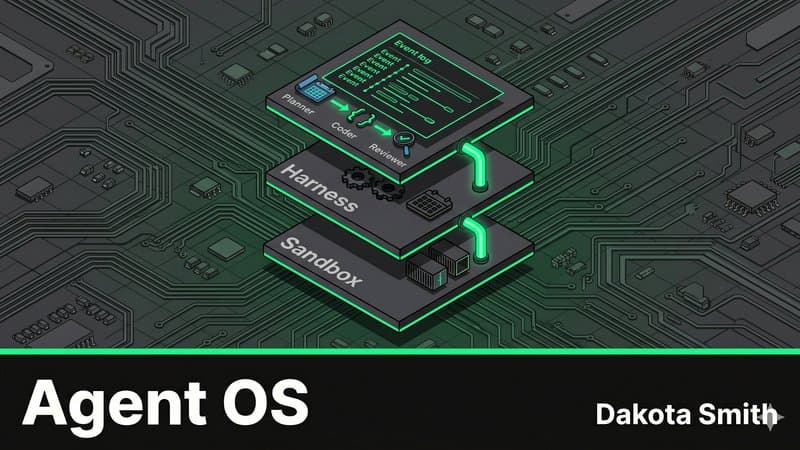
The Agent Operating System: Multi-Agent Pipelines with Claude
Map OS abstractions to Claude Managed Agents architecture and build a three-agent auto-PR pipeline that plans, codes, and reviews autonomously.
Comments
Loading comments...