Building a Claude Code Plugin Marketplace for CMS Analysis
Replace generic linters with 50 platform-specific rules per CMS. Specialized Claude Code plugins outperform general agents for Sitecore and Umbraco analysis.
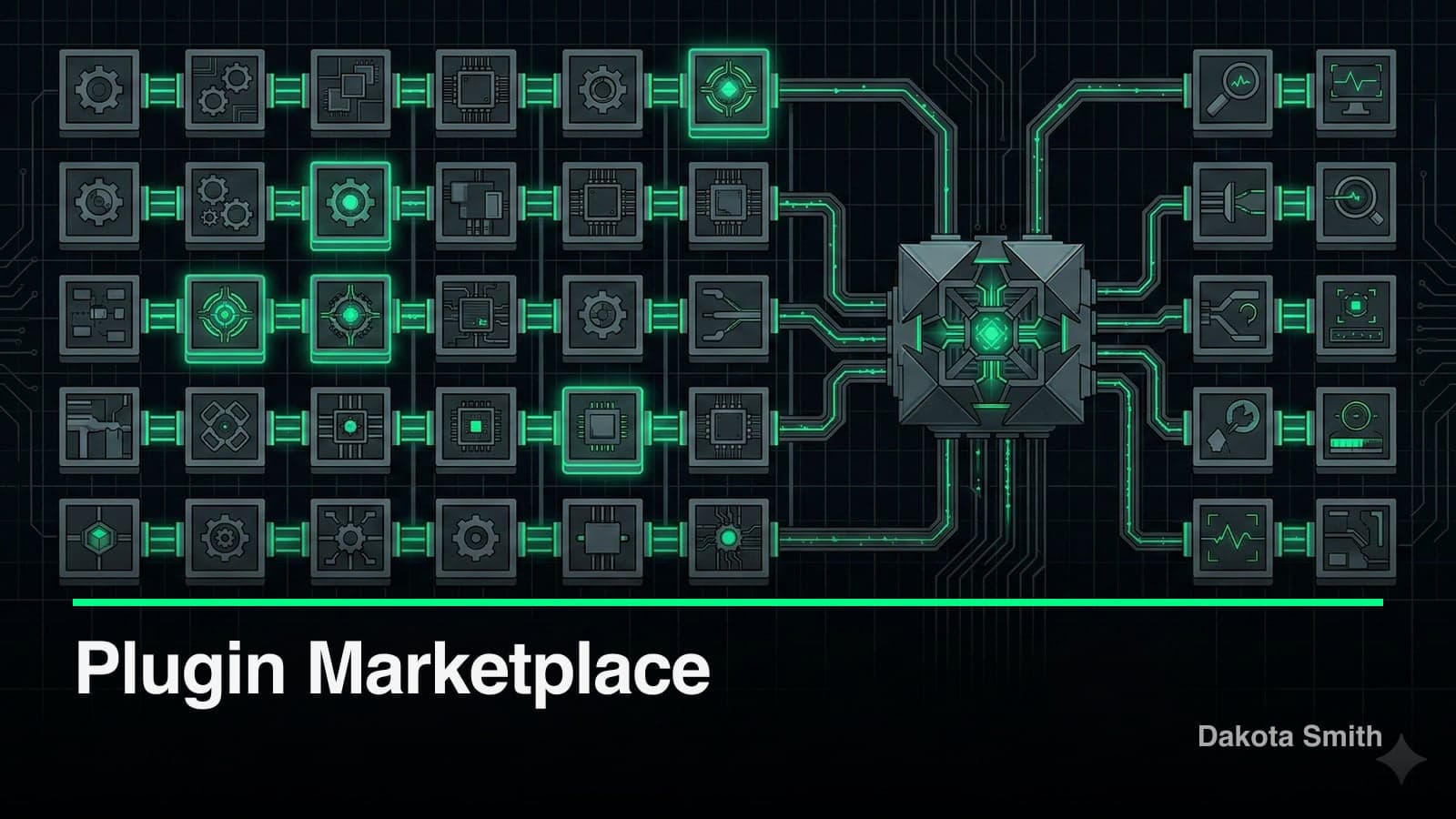
A specialized agent with 50 platform-specific rules outperforms a general agent with 500 generic rules. That's the core lesson from building a marketplace of Claude Code plugins for enterprise CMS analysis.
Enterprise CMS platforms—Sitecore, Umbraco, Optimizely—have steep learning curves and platform-specific patterns. Running a general-purpose linter on a Sitecore codebase produces noise: valid Helix architecture patterns flagged as issues, hardcoded GUIDs missed entirely, pipeline processor ordering problems invisible to generic tools, and XM Cloud migration blockers undetected. Enterprise teams need analysis that speaks their platform's language.
So I built a curated marketplace of specialized Claude Code plugins, each loaded with platform-specific expertise. The plugin architecture enables specialized agents to operate autonomously, following the same phased patterns used in APL's multi-agent orchestration.
Why Generic Linters Fail on Enterprise CMS Platforms
Generic code analysis tools optimize for language-level patterns—unused variables, potential null references, formatting violations. CMS platforms operate at a higher abstraction layer:
- Architecture violations require platform knowledge. Sitecore's Helix architecture enforces strict layer separation (Foundation → Feature → Project). A generic linter sees a valid C# reference. A Sitecore specialist sees a cross-layer dependency that breaks the entire module boundary.
- Configuration patterns are platform-specific. Hardcoded GUIDs, pipeline processor ordering, serialization configurations—these have meaning only within the CMS context.
- Migration blockers need version-aware detection. Moving from Sitecore Classic to XM Cloud requires identifying on-premise-only APIs, server-side rendering dependencies, and incompatible pipeline configurations.
A general agent can't know that Glass Mapper over-fetching is a Sitecore-specific anti-pattern, or that Umbraco content apps have specific registration requirements. Platform depth beats breadth.
The Marketplace Architecture
Rather than one monolithic tool, the marketplace offers platform-specific analyzers as standalone plugins:
claude-marketplace/
├── analyzers/
│   ├── sitecore-classic/     # Sitecore 10.x on-prem
│   ├── xm-cloud/             # Sitecore XM Cloud
│   ├── umbraco/              # Umbraco 14-16
│   ├── optimizely-cms/       # Optimizely CMS 12
│   └── optimizely-exp/       # Optimizely Experimentation
└── shared/
    ├── security-rules/       # Cross-platform security checks
    └── performance-rules/    # Common performance patterns
Teams install only what they need. This follows the same principle behind the Agent Skills Standard—composable, specialized capabilities instead of monolithic tooling.
Plugin Anatomy
Each analyzer plugin follows a consistent structure:
sitecore-classic/
├── .claude-plugin/
│   └── plugin.json
├── commands/
│   ├── analyze.md            # Full codebase analysis
│   ├── security-scan.md      # Security-focused scan
│   └── setup.md              # Initial configuration
├── agents/
│   └── sitecore-expert.md    # Platform-specialized agent
├── skills/
│   ├── helix-patterns.md     # Helix architecture knowledge
│   ├── pipeline-analysis.md  # Pipeline processor expertise
│   └── template-review.md    # Template/rendering analysis
└── rules/
    ├── architecture.json     # Helix compliance rules
    ├── security.json         # Security vulnerability patterns
    └── performance.json      # Performance anti-patterns
The Expert Agent
Each analyzer includes a specialized agent with deep platform knowledge. The Sitecore expert agent, for example, knows Helix layer separation, dependency direction enforcement, serialization patterns (Unicorn, TDS, SCS), and common anti-patterns like cross-layer dependencies and Glass Mapper over-fetching.
# Sitecore Expert Agent (excerpt)

You are a Sitecore 10.x architecture specialist with expertise in:

## Helix Principles
- Foundation, Feature, Project layer separation
- Dependency direction (Project → Feature → Foundation)
- Module boundary enforcement
- Serialization patterns (Unicorn, TDS, SCS)

## Common Anti-Patterns
- Cross-layer dependencies (Feature referencing Project)
- Business logic in renderings
- Hardcoded item paths instead of queries
- Missing null checks on Sitecore.Context
- Glass Mapper over-fetching
Rule Definitions
Rules are defined in JSON with severity, detection patterns, and remediation guidance:
{
  "rules": [
    {
      "id": "SC001",
      "name": "Cross-Layer Dependency",
      "severity": "error",
      "category": "architecture",
      "description": "Feature layer must not reference Project layer",
      "detection": {
        "type": "reference_analysis",
        "pattern": "Feature.*/.*references.*Project.*"
      },
      "remediation": "Move shared functionality to Foundation layer or refactor the dependency direction",
      "documentation": "https://helix.sitecore.com/principles/architecture-principles/layers.html"
    },
    {
      "id": "SC002",
      "name": "Hardcoded Item GUID",
      "severity": "warning",
      "category": "maintainability",
      "description": "Item GUIDs should be centralized in constants",
      "detection": {
        "type": "pattern",
        "regex": "new ID\\([\"'](\\{?[0-9a-fA-F-]{36}\\}?)[\"']\\)"
      },
      "remediation": "Extract GUID to a constants class in the appropriate Foundation module"
    }
  ]
}
The Analysis Workflow
Running an analysis produces a structured markdown report:
/sitecore-classic:analyzeThe report includes severity breakdown, critical issues with exact file locations, remediation guidance with links to documentation, and a full architecture dependency graph. Here's a representative output:
# Sitecore Classic Analysis Report

**Project:** Acme.Website
**Analyzed:** 2026-01-24 14:32 UTC
**Files Scanned:** 847
**Issues Found:** 23

## Summary

| Severity | Count |
|----------|-------|
| Critical | 2     |
| Error    | 7     |
| Warning  | 14    |

## Critical Issues

### SC-SEC-001: Hardcoded Connection String
**Location:** src/Foundation/Database/App_Config/ConnectionStrings.config:12
**Details:** Production database credentials in source control
**Remediation:** Move to environment variables or Azure Key Vault

### SC-SEC-003: Exposed Admin Endpoint
**Location:** src/Project/Website/Controllers/AdminController.cs:1
**Details:** /api/admin/* endpoints lack authorization attributes
**Remediation:** Add [Authorize(Roles = "sitecore\\Admin")] attribute
Safe Mode for Sensitive Codebases
Enterprise teams worry about sending proprietary code to AI systems. Safe mode addresses this:
/sitecore-classic:analyze --safe-modeIn safe mode, the analyzer:
- Reads file paths and structure only (not file contents)
- Analyzes project references and dependencies
- Checks configuration file names (not values)
- Reports structural issues without exposing code
## Safe Mode Analysis

**Note:** Content analysis disabled. Structural findings only.

### Project Structure
- 3 Project layer modules detected
- 12 Feature layer modules detected
- 4 Foundation layer modules detected

### Dependency Graph Issues
- Feature.Navigation references Project.Website (Helix violation)
- Missing Foundation.DependencyInjection reference in 3 Features

### Configuration Concerns
- ConnectionStrings.config present in source (verify secrets handling)
- 2 modules missing Unicorn serialization configuration
Safe mode catches approximately 40% of the issues that a full analysis finds. The remaining 60% require content inspection—code patterns, hardcoded values, logic anti-patterns. For security-conscious teams, safe mode serves as a first pass. Full analysis can follow in a controlled environment.
CI/CD Integration
The analyzers integrate into build pipelines for automated enforcement:
# Azure DevOps example
- task: Bash@3
  displayName: 'Run Sitecore Analysis'
  inputs:
    targetType: 'inline'
    script: |
      claude-code /sitecore-classic:analyze --output ./analysis-report.md

      # Fail build on critical issues
      if grep -q "Critical" ./analysis-report.md; then
        echo "##vso[task.logissue type=error]Critical issues found"
        exit 1
      fi
Pull requests get automated analysis comments. Critical issues block merges. This mirrors the same CI/CD philosophy used in this blog's content validation pipeline—automated gates that catch problems before they reach production.
Platform Coverage
The marketplace currently includes five analyzers:
| Platform | Version | Status | Focus Areas |
|---|---|---|---|
| Sitecore Classic | 10.x | Stable | Helix, pipelines, serialization |
| XM Cloud | Current | Stable | Headless patterns, Edge, JSS |
| Umbraco | 14-16 | Stable | Composition, content apps, packages |
| Optimizely CMS | 12 | Stable | Content areas, blocks, scheduling |
| Optimizely Experimentation | Current | Beta | A/B tests, feature flags, metrics |
Each analyzer averages 50 platform-specific rules across architecture, security, performance, and maintainability categories. The shared rule sets add cross-platform security checks and common performance patterns.
The Tradeoffs
Specialized plugins carry specific costs:
Rule maintenance scales per platform version. Each major CMS release requires rule review and updates. Sitecore's XM Cloud evolution alone generated 12 rule changes in three months. For teams tracking multiple platforms, the maintenance burden compounds. Budget 2-4 hours per platform per major release for rule updates.
Small projects don't justify the overhead. For codebases under 10K lines of code or greenfield projects without established patterns, the marketplace adds complexity without proportional value. A general-purpose linter suffices until the codebase grows enough to accumulate platform-specific patterns.
False negatives are the hidden risk. Missing a rule is worse than a false positive. If the analyzer doesn't flag a cross-layer dependency, the team assumes the architecture is clean. Regular rule audits against the latest platform documentation mitigate this, but gaps exist—especially for newer platform features.
Safe mode provides a fraction of full analysis. The ~40% detection rate means teams relying exclusively on safe mode miss the majority of issues. Safe mode works as a gate, not a replacement. My dev setup includes both modes in a staged pipeline—safe mode in CI, full analysis in local development.
Key Takeaways
- Domain expertise compounds. A specialized agent with 50 platform-specific rules outperforms a general agent with 500 generic rules. Depth beats breadth for CMS analysis.
- Safety enables enterprise adoption. Safe mode removed the primary objection from security teams. Address their concerns first, and capability conversations follow.
- Plugin architecture enables composition. Teams install only what they need. Adding a new CMS platform follows the same structure—no monolith, no bloat.
- CI/CD integration is table stakes. Analysis that runs only on-demand gets skipped. Automated pipeline integration ensures every change gets reviewed.
- Markdown is infrastructure. The entire plugin—agents, commands, rules—is markdown and JSON. No build process, no compilation. Edit and reload. This simplicity enabled APL to build complex projects using the same plugin patterns.
The marketplace is open source: twofoldtech-dakota/claude-marketplace
Install it:
/plugin marketplace add https://github.com/twofoldtech-dakota/claude-marketplace
/plugin install sitecore-classic@claude-marketplace
/sitecore-classic:setup
Contributions welcome. Each analyzer follows the same structure, so adding a new platform (Kentico, Contentful, Sanity) is straightforward. CMS development doesn't have to mean fighting the platform—specialized analysis turns Claude Code into a team member who understands your architecture, powered by the same supervision principles that keep autonomous agents aligned.
You Might Also Like
Why I Built STUDIO: Four Generations of AI Code Supervision
Four AI orchestration systems taught me that 19 agents produce more drift than 3 supervised ones. STUDIO adds confidence scoring and preference learning.

Building APL: An Autonomous Coding Agent for Claude Code
Build an autonomous coding agent that cuts context switches from 20 to 3 per feature using phased planning, ReAct execution, and persistent self-learning.
Preparing for Mythos: Enterprise CMS Security Checklist
Protect your enterprise CMS stack against the vulnerabilities Mythos exposed with this platform-specific checklist for Sitecore, Umbraco, and Optimizely.
Comments
Loading comments...