Claude Code Skills and the Agent Skills Open Standard
Build portable AI agent capabilities with Claude Code's SKILL.md format. The Agent Skills open standard works across 10+ platforms including GitHub Copilot.
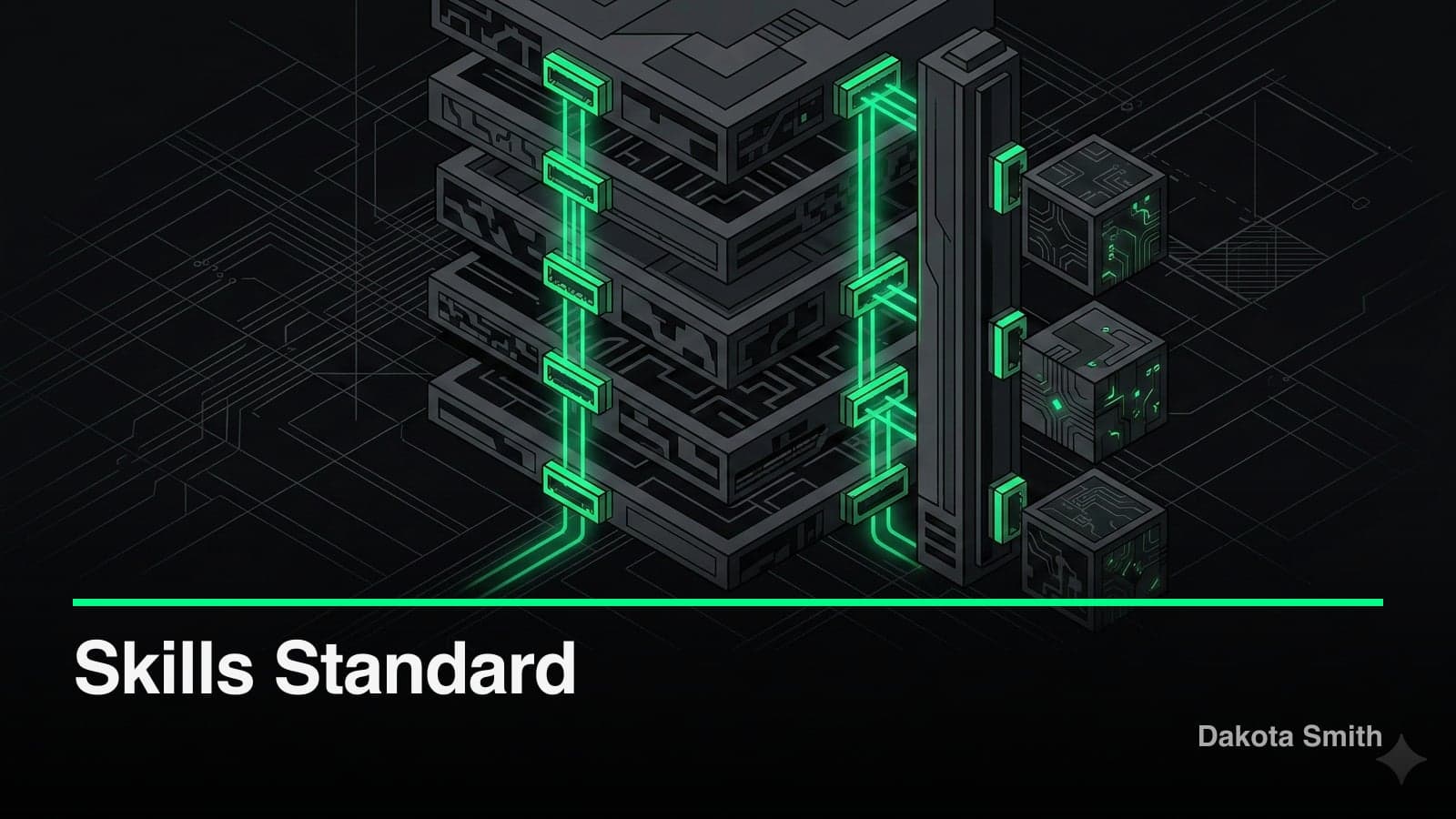
Agent Skills is an open standard supported by GitHub Copilot, Cursor, Gemini CLI, and 7+ other platforms. Write a SKILL.md once and it works across all of them. Anthropic published the specification in December 2025 at agentskills.io, and adoption moved fast — the reference repository has 67,000+ stars on GitHub.
This post covers Claude Code Skills in detail: the SKILL.md format, invocation control, subagents, hooks, and the open standard that makes Skills portable across platforms. Part 1 covered Skills for non-technical users. Part 2 covered the architecture and advanced patterns.
Claude Code Skills: The SKILL.md Format
Every Claude Code Skill lives in a directory with a SKILL.md file at its root. The file has two sections: YAML frontmatter for configuration and a markdown body for instructions.
Complete Frontmatter Reference
---
name: pr-review                    # Max 64 chars, lowercase + hyphens
description: Reviews pull requests against team coding standards
argument-hint: "[PR number]"       # Shown in autocomplete
disable-model-invocation: false    # true = manual /pr-review only
user-invocable: true               # false = Claude-only, hidden from / menu
allowed-tools: Bash(gh *), Read    # Tools Claude can use without asking
model: sonnet                      # Model override when active
context: fork                      # Run in isolated subagent
agent: Explore                     # Subagent type (with context: fork)
---
The name field has two restrictions: no "anthropic" or "claude" (reserved words), and no XML tags in any frontmatter value. Names must use lowercase letters, numbers, and hyphens only.
Directory Structure
pr-review/
├── SKILL.md              # Required — config + instructions
├── checklist.md          # Reference doc (loaded on demand)
├── scripts/
│   └── diff-stats.sh     # Executable (output enters context, not source)
└── examples/
    └── good-review.md    # Example output for Claude to follow
Storage Locations
Claude Code discovers Skills from four locations, in priority order:
| Priority | Location | Scope |
|---|---|---|
| 1 | Enterprise managed settings | All org users |
| 2 | ~/.claude/skills/{name}/SKILL.md | All your projects |
| 3 | .claude/skills/{name}/SKILL.md | Current project |
| 4 | Plugin marketplace installs | Where plugin is enabled |
In monorepos, Claude also discovers Skills from nested directories. Editing a file in packages/frontend/ triggers discovery of Skills in packages/frontend/.claude/skills/.
Backward compatibility: As of Claude Code v2.1.3 (January 2026), .claude/commands/ files and .claude/skills/ directories both work. A file at .claude/commands/review.md and a directory at .claude/skills/review/SKILL.md both create the /review command. Existing commands continue working with no migration required.
Dynamic Context Injection
The !`command` syntax runs shell commands before Skill content reaches Claude:
---
name: pr-summary
description: Summarizes the current pull request
context: fork
agent: Explore
allowed-tools: Bash(gh *)
---

## Context
- PR diff: !`gh pr diff`
- PR comments: !`gh pr view --comments`
- Changed files: !`gh pr diff --name-only`

## Task
Summarize this pull request. Focus on:
1. What changed and why
2. Potential risks or breaking changes
3. Test coverage gaps
The shell commands execute immediately. Their output replaces the !`command` placeholder before Claude sees the prompt. This loads real-time data into the Skill without Claude spending turns on tool calls.
The tradeoff: dynamic context runs on every invocation. If gh pr diff returns 50KB of output, that consumes 50KB of context window each time. Keep commands focused and pipe through filters when dealing with large output.
Invocation Control
The Control Matrix
Two frontmatter fields determine who can trigger a Skill:
| Configuration | User types /name | Claude auto-invokes |
|---|---|---|
| Default (both true) | ✓ Yes | ✓ Yes |
disable-model-invocation: true | ✓ Yes | ✗ No |
user-invocable: false | ✗ No | ✓ Yes |
Use disable-model-invocation: true for destructive operations (database migrations, deployments) where you want explicit user control. Use user-invocable: false for background knowledge that Claude should apply automatically — coding standards, project conventions, error handling patterns.
String Substitution
Skills accept arguments through substitution variables:
---
name: review-file
description: Reviews a specific file for code quality
argument-hint: "[file-path]"
---

Review the file at $ARGUMENTS for:
1. Code quality and readability
2. Security vulnerabilities
3. Performance issues
Invoking /review-file src/auth.ts replaces $ARGUMENTS with src/auth.ts. Use $0, $1, $2 for positional arguments when a Skill accepts multiple inputs.
Context Window Budget
Skill descriptions consume 2% of the context window — approximately 16,000 characters as a fallback limit. If you install many Skills, some descriptions get excluded from the system prompt.
Run /context to check which Skills loaded and which were excluded. Override the budget with the SLASH_COMMAND_TOOL_CHAR_BUDGET environment variable if the default is too restrictive.
The tradeoff: more Skills means more competition for the description budget. Skills with disable-model-invocation: true don't consume description budget because they're excluded from auto-invocation. Use this flag on rarely-needed Skills to free up space.
Subagents and Hooks
Forked Execution
Adding context: fork runs the Skill in an isolated subagent. The Skill content becomes the subagent's system prompt. The parent conversation continues after the subagent completes.
---
name: security-audit
description: Runs a security audit on the codebase
context: fork
agent: general-purpose
allowed-tools: Bash(npm audit *), Read, Grep, Glob
---

Audit this codebase for security vulnerabilities:

1. Run `npm audit` and analyze results
2. Search for hardcoded secrets using patterns: API keys, tokens, passwords
3. Check dependency versions against known CVEs
4. Report findings with severity levels
Available agent types: Explore (fast, read-only codebase analysis), Plan (architecture design), general-purpose (full capabilities), or custom agents defined in .claude/agents/.
The tradeoff: forked Skills lose conversation history. The subagent starts with only the Skill content and the user's invocation arguments. Design forked Skills to be self-contained — include all necessary context in the Skill itself or load it via dynamic context injection.
Skill Preloading in Subagents
Custom subagents can preload Skills so the full Skill content is injected at startup:
# .claude/agents/api-developer.md
---
name: api-developer
description: Implements API endpoints following team conventions
skills:
  - api-conventions
  - error-handling-patterns
  - database-patterns
---

Build API endpoints using the preloaded team patterns.
Always follow the conventions in the loaded Skills.
This differs from normal Skill discovery. Preloaded Skills inject their full content immediately rather than waiting for activation. Use this for domain-specific agents where certain conventions always apply.
Lifecycle Hooks
Skills support hooks that run at specific events:
---
name: safe-deploy
description: Deploys to staging with safety checks
hooks:
  PreToolUse:
    - matcher: Bash(rm *|git push --force*)
      type: prompt
      prompt: "Block this command. Explain why it's unsafe in a deployment context."
  Stop:
    - type: command
      command: "echo 'Deploy skill completed at $(date)' >> /tmp/deploy.log"
---
Hook events include PreToolUse, PostToolUse, Stop, SubagentStart, SubagentStop, Notification, UserPromptSubmit, SessionStart, and SessionEnd. Hooks can be shell commands (type: command), single-turn model prompts (type: prompt), or multi-turn agents (type: agent).
The async: true option (added January 2026) runs hooks in the background without blocking Skill execution — useful for logging, notifications, or non-critical validation.
The Agent Skills Open Standard
Specification
Anthropic published the Agent Skills specification at agentskills.io in December 2025. The core format matches what Claude Code uses: a directory with a SKILL.md file containing YAML frontmatter and markdown instructions.
The open standard defines a minimal required schema:
---
name: my-skill          # Required: max 64 chars
description: What it does and when to use it  # Required: max 1024 chars
license: MIT            # Optional
compatibility: "Requires git, node >= 18"     # Optional: max 500 chars
metadata:               # Optional: arbitrary key-value pairs
  author: Dakota Smith
  version: 1.0.0
---
The specification mandates progressive disclosure: metadata (~100 tokens) loads at startup, core content (under 5,000 tokens recommended) loads on activation, supplementary files load on demand.
Platform Adoption
As of early 2026, these platforms read the Agent Skills format:
| Platform | Skill Location | Notes |
|---|---|---|
| Claude Code | .claude/skills/ | Full spec + extensions (hooks, subagents, dynamic context) |
| Claude.ai | Upload via Settings | ZIP package format |
| GitHub Copilot | .github/skills/ or .claude/skills/ | Personal skills at ~/.copilot/skills/ |
| Cursor | .claude/skills/ | Standard format |
| Gemini CLI | .claude/skills/ | Standard format |
| OpenAI Codex CLI | .claude/skills/ | Standard format |
| Goose (Block) | .claude/skills/ | Standard format |
| Windsurf | .claude/skills/ | Standard format |
| Roo Code | .claude/skills/ | Standard format |
| Amp | .claude/skills/ | Standard format |
The key distinction: Claude Code extends the standard with platform-specific features. These extensions work only in Claude Code and degrade gracefully elsewhere — other platforms ignore unknown frontmatter fields.
What's Portable vs. What's Not
| Feature | Open Standard | Claude Code Only |
|---|---|---|
name, description | ✓ Yes | ✓ Yes |
| Markdown body instructions | ✓ Yes | ✓ Yes |
| Supporting files (scripts, references) | ✓ Yes | ✓ Yes |
license, compatibility, metadata | ✓ Yes | Ignored by Claude Code |
disable-model-invocation | ✗ No | ✓ Yes |
user-invocable | ✗ No | ✓ Yes |
context: fork, agent | ✗ No | ✓ Yes |
hooks | ✗ No | ✓ Yes |
allowed-tools | ◆ Experimental | ✓ Yes |
!`command` dynamic context | ✗ No | ✓ Yes |
$ARGUMENTS substitution | ✗ No | ✓ Yes |
Write the core Skill (name, description, instructions, supporting files) for maximum portability. Add Claude Code extensions knowing they won't break anything on other platforms — unknown fields are ignored, not rejected.
Validation
The reference library provides validation:
npx skills-ref validate ./my-skillThis checks frontmatter requirements, directory naming conventions, and file size recommendations against the open standard specification.
Practical Migration: Commands to Skills
If you have existing .claude/commands/ files, they keep working. But the Skills format offers more capability. Here's the conversion pattern:
Before (.claude/commands/deploy.md):
Deploy the current branch to staging.
Run tests first, then build, then deploy.
After (.claude/skills/deploy/SKILL.md):
---
name: deploy
description: Deploys the current branch to staging after running tests and build
argument-hint: "[environment]"
disable-model-invocation: true
allowed-tools: Bash(npm run *), Bash(git *)
hooks:
  PreToolUse:
    - matcher: Bash(git push --force*)
      type: prompt
      prompt: "Block force pushes during deployment."
---

Deploy the current branch to $ARGUMENTS (default: staging).

1. Run the test suite: `npm run test`
2. Build the project: `npm run build`
3. Deploy: `npm run deploy:$ARGUMENTS`

If any step fails, stop and report the error. Do not proceed to deployment.
The Skills version adds: argument support, invocation control (manual-only for safety), tool permissions, and a hook to prevent force pushes. The commands version has none of these.
Limitations and Tradeoffs
Context budget is real. With 2% of the context window allocated to Skill descriptions, a project with 30+ Skills hits the limit. Prioritize: use disable-model-invocation: true on rarely-needed Skills to remove them from the description budget.
Subagents cannot nest. A forked Skill cannot spawn another subagent. Design your agent architecture as a flat hierarchy — one level of delegation, not a tree.
MCP tools are unavailable in background subagents. If your Skill relies on MCP servers (database connections, external APIs), it cannot run with context: fork. Run it in the main conversation context instead.
Platform behavior varies. The allowed-tools field is marked experimental in the open standard. Each platform interprets it differently or ignores it. Test Skills on every target platform before distributing.
Hot-reload has limits. Skills auto-reload on save within a running session. Subagent definitions in .claude/agents/ require a session restart or /agents reload to pick up changes.
When NOT to use Skills: One-off scripts that you'll run once and discard. Aliases shorter than their frontmatter (if the Skill body is shorter than the config, use a shell alias). Tasks requiring real-time bidirectional connections — Skills don't maintain open sockets or streaming API sessions.
Conclusion
The Agent Skills standard solved a real problem: AI capabilities locked inside individual platforms. A Skill written for Claude Code now works in GitHub Copilot, Cursor, and Gemini CLI without modification. Claude Code's extensions (hooks, subagents, dynamic context) add power for teams that need it, while the portable core ensures the investment transfers across tools.
Key Takeaways:
SKILL.mdis the universal format: YAML frontmatter for config, markdown body for instructions, supporting files for resources- Claude Code extends the open standard with
context: fork, hooks, dynamic context (!`command`), and subagent integration — powerful but not portable to other platforms - The core Skill format (name, description, instructions, supporting files) works across 10+ platforms including GitHub Copilot, Cursor, and Gemini CLI
- Use
disable-model-invocation: truefor destructive operations anduser-invocable: falsefor background conventions - Skill descriptions consume 2% of the context window — monitor with
/contextand keep descriptions specific to avoid budget overflow
This is Part 3 of a series on Claude Skills. Part 1 covers what Skills are and why they matter for non-technical teams. Part 2 covers the architecture and advanced patterns for power users.
You Might Also Like
Building Plugin GTM: A Go-To-Market Engine Inside Claude Code
Learn how I built a 29-tool MCP server that handles product analysis, GTM strategy, content generation, and launch tracking without leaving the terminal.
Building Plugin Ops: A Claude Code Plugin for Plugin Maintenance
Explore how I built a 32-tool MCP server with health scanning, issue tracking, release management, and operational runbooks for Claude Code plugins.
Building Plugin Architect: A Zero-Code Claude Code Plugin
Discover how 30KB of prompt engineering replaced a SQLite-backed codebase to become a complete plugin design system for Claude Code's 6 extension points.
Comments
Loading comments...