Building Plugin Architect: A Zero-Code Claude Code Plugin
Discover how 30KB of prompt engineering replaced a SQLite-backed codebase to become a complete plugin design system for Claude Code's 6 extension points.
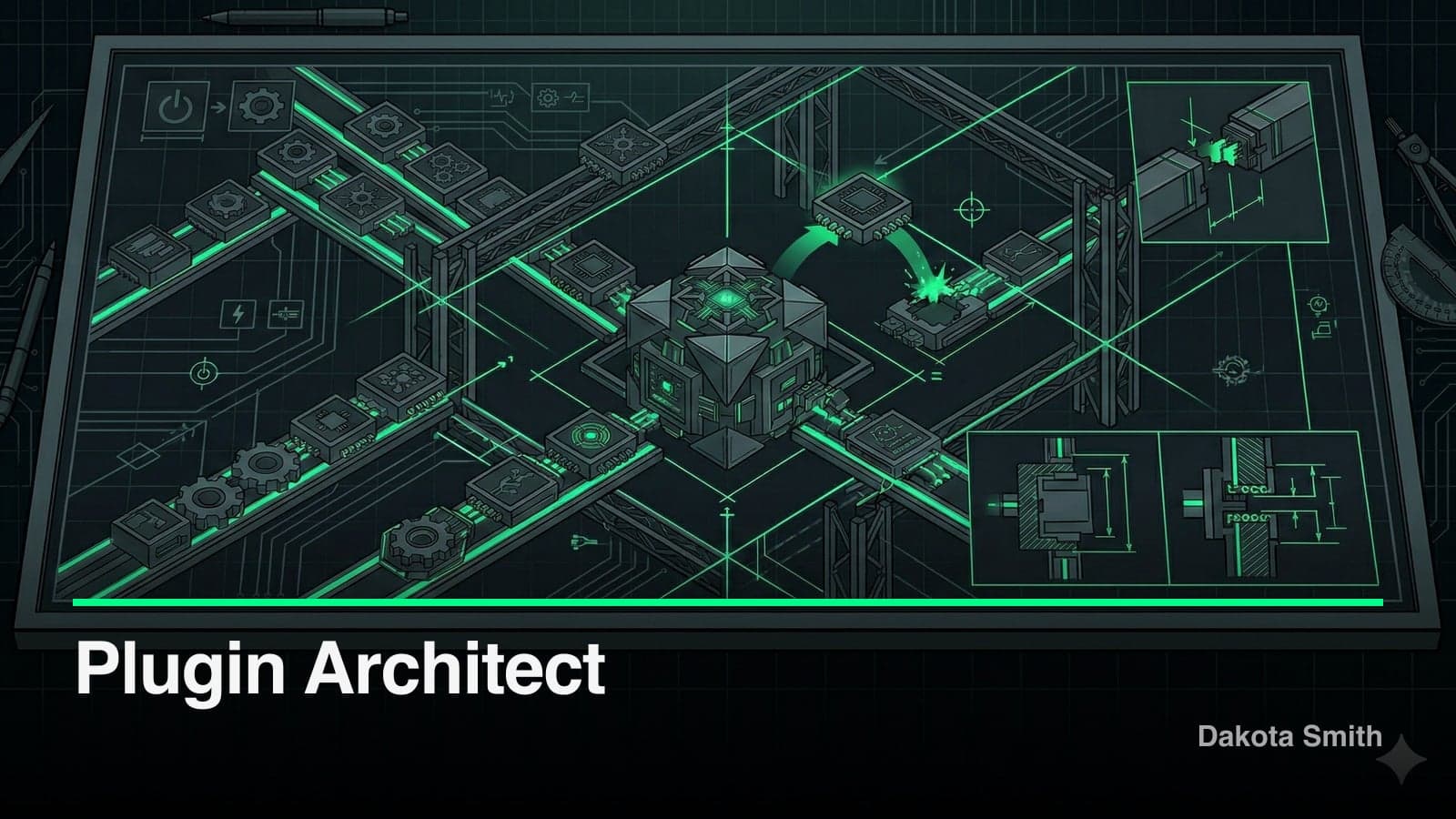
I shipped a Claude Code plugin with zero runtime code. No TypeScript. No build step. No dependencies. The entire product is 30KB of Markdown across three files — and it turns Claude into an expert architect for the full Claude Code plugin ecosystem. This is the story of building that plugin.
Plugin Architect guides you through designing and building Claude Code plugins from scratch, covering all 6 extension points: Skills, MCP Servers, Hooks, Agents, LSP Servers, and Plugins. It follows a structured workflow — Discover, Classify, Design, Confirm, Build, Register — and writes complete, production-ready code. No TODOs. No placeholders.
This post covers why I pivoted from a code-heavy approach to pure prompt engineering, how the architecture works, and what the tradeoffs are.
Project Overview
The Challenge
Claude Code's plugin system supports 6 extension points, each with different file structures, configuration patterns, and use cases. A developer wanting to build a plugin faces scattered documentation, unclear component selection, and no scaffolding tools.
The questions stack up fast: Should this be a Skill or an MCP Server? Do I need Hooks? What goes in plugin.json vs .mcp.json? Where do agents live? The cognitive overhead of these decisions delays the actual building.
The Solution
Plugin Architect encodes all of that knowledge into a single skill. When you run /plugin-architect, Claude receives a comprehensive instruction set — a component selection matrix, complete file structure templates, 5 worked examples, and 8 integration patterns — then walks you through the design and build process step by step.
# Install and use
/plugin install plugin-architect@twofoldtech-dakota-plugin-architect

# Design and build a plugin
/plugin-architect Build a plugin that enforces code style rules
Tech Stack
| Category | Technology | Why |
|---|---|---|
| Knowledge Base | Markdown (SKILL.md) | Native Claude Code skill format, zero compilation |
| Supporting Docs | Markdown (examples.md, integrations.md) | Context-injectable reference material |
| Configuration | JSON (plugin.json, marketplace.json) | Required plugin manifest format |
| Distribution | GitHub + Claude Marketplace | Direct install from repository URL |
Architecture
The architecture is intentionally minimal. Three Markdown files carry the entire product:
plugin-architect/                     (~35KB total)
├── .claude-plugin/
│   ├── plugin.json                   # Plugin manifest
│   └── marketplace.json              # Distribution config
├── skills/
│   └── plugin-architect/
│       ├── SKILL.md                  # Core instruction set (13KB)
│       ├── examples.md               # 5 complete plugin examples (11KB)
│       └── integrations.md           # 8 integration patterns (6KB)
└── README.md                         # User documentation
SKILL.md is the engine. At 13KB (~380 lines), it stays under the recommended 500-line limit for Claude Code skills while encoding decision logic, component templates, and workflow instructions. The two supporting files — examples.md and integrations.md — provide reference material that Claude pulls from when building specific plugin types.
The Component Selection Matrix
The core design decision is a classification system. Instead of asking developers to read docs for all 6 extension points, SKILL.md contains a mapping from intent to component:
"I want Claude to know about X"          → Skill
"I want a /command that does X"           → Skill (user-invocable)
"I want Claude to call X API"            → MCP Server
"I want to enforce X on every edit"      → Hook (PreToolUse)
"I want to auto-run tests after changes" → Hook (PostToolUse)
"I want to bundle all of this for team"  → Plugin
This matrix eliminates the most common point of confusion. Users describe what they want in natural language, and the skill maps it to the correct extension point with the right file structure.
The Confirm-Before-Build Gate
The 6-step workflow includes an explicit confirmation gate at step 4. After Discover, Classify, and Design, the skill presents the proposed architecture to the user and waits for approval before generating any files. This prevents unwanted code generation — a real risk when a skill has broad tool access.
Key Features
Complete Template Coverage
Every extension point has a production-ready template. MCP Servers get a full TypeScript setup with the @modelcontextprotocol/sdk, Zod validation, and stdio transport:
import { McpServer } from "@modelcontextprotocol/sdk/server/mcp.js";
import { StdioServerTransport } from "@modelcontextprotocol/sdk/server/stdio.js";
import { z } from "zod";

const server = new McpServer({
  name: "server-name",
  version: "1.0.0",
  capabilities: { tools: { listChanged: true } },
});

server.registerTool("tool-name", {
  description: "What it does, what it returns, when to use it",
  inputSchema: {
    param: z.string().describe("What this param means"),
  },
}, async ({ param }) => {
  return { content: [{ type: "text", text: "result" }] };
});

const transport = new StdioServerTransport();
await server.connect(transport);
Hook configurations include complete bash scripts for common patterns like secret detection:
{
  "hooks": {
    "PreToolUse": [{
      "matcher": "Edit|Write",
      "hooks": [{
        "type": "command",
        "command": "./hooks/scripts/check-secrets.sh",
        "timeout": 10
      }]
    }]
  }
}
Context Injection at Load Time
Skills can execute shell commands dynamically when loaded. Plugin Architect uses this pattern in its examples to show how skills inject runtime context into their prompts:
Current branch: !`git branch --show-current`
Recent commits: !`git log --oneline -5`
This turns static Markdown into dynamic, context-aware instructions without writing runtime code.
5 Worked Examples and 8 Integration Patterns
The examples.md file contains 5 complete plugin implementations covering different component combinations. The integrations.md file provides patterns for connecting plugins to external services — SQLite, PostgreSQL, GitHub, Slack, Stripe, OAuth, Docker, and Cloudflare Workers.
These aren't abstract descriptions. Each example includes every file needed to ship: plugin.json, skill definitions, MCP server code, hook scripts, and configuration. Copy the structure, change the names, and you have a working plugin.
The Pivot: How This Claude Code Plugin Shed Its Codebase
Plugin Architect didn't start as a Markdown-only project. The commit history tells the story.
From February 10-13, the repository housed Hive — a code-heavy system with SQLite storage, configurable tool categories, workflow support, migrations, and a CI pipeline. Eight commits built out this architecture.
On February 15, I deleted all of it.
b9d0fca: Remove Hive source, docs, and templatesNine commits followed in a single day, restructuring the entire repo as a lightweight prompt-only Claude Code plugin. The Hive codebase — with its database layer, migration system, and TypeScript runtime — was replaced by three Markdown files.
Why the Pivot
The code-heavy approach solved the wrong problem. Plugin Architect doesn't need to run anything. It needs to know things and guide decisions. Those are prompt engineering problems, not software engineering problems.
SQLite added complexity without value. Tool categories and filtering required configuration that slowed down the user. The CI pipeline tested infrastructure that wasn't the product — the product was the knowledge encoded in the prompts.
The pivot cut repository size from hundreds of files to 8. Build time went from "install dependencies, compile TypeScript, run tests" to zero. The install path went from "clone, install, build, configure" to a single command.
The Tradeoff
Pure prompt engineering trades validation for simplicity. The Hive approach could programmatically verify that generated plugins had correct file structures, valid JSON manifests, and matching tool registrations. The Markdown approach relies on Claude following the instructions accurately.
In practice, Claude follows well-structured instructions reliably. The cases where it deviates are edge cases — unusual component combinations or ambiguous user requests — and the Confirm-Before-Build gate catches most of those by showing the proposed architecture before generating code.
Lessons Learned
What Worked Well
Single-skill architecture. Keeping everything in one skill (/plugin-architect) with supporting reference files made the product discoverable. Users learn one command. Claude loads the full context on every invocation, ensuring it always has the complete picture regardless of which extension point the user needs.
No-placeholder policy. The instruction to write complete, production-ready code in every generated file eliminated the most frustrating failure mode: scaffolding that requires significant manual completion. Users get working plugins, not starter templates.
Intent-based classification. The component selection matrix is the most-used part of the skill. Mapping natural language descriptions to extension points removes a decision that blocks most first-time plugin developers.
What I'd Do Differently
Add more language examples. All MCP Server templates use TypeScript. The MCP protocol is language-agnostic, and Python developers are a large segment of the Claude Code user base. Adding Python SDK examples would broaden the audience.
Split the knowledge base. Loading the full 30KB context on every invocation wastes tokens when a user only needs help with one component type. A multi-skill architecture — /plugin-architect hooks, /plugin-architect mcp — would load targeted context and reduce token consumption.
Add a health check mechanism. There is no way to verify that a plugin generated by Plugin Architect is correctly structured after the fact. A companion validation tool — which I later built as plugin-ops — fills this gap.
Conclusion
Plugin Architect demonstrates that prompt engineering is a valid product architecture. A well-structured 30KB knowledge base, encoded in three Markdown files, replaces what would otherwise require a runtime, database, and build pipeline.
The key insight: match the solution to the problem type. Plugin Architect solves a knowledge and guidance problem, not a computation problem. Markdown and prompt engineering are the right tools for that job. Runtime code would have been over-engineering.
Key Takeaways:
- Zero-code plugins are viable products when the problem is knowledge transfer, not computation
- Intent-based classification (natural language → component type) removes the biggest friction point for new plugin developers
- Pivoting from a code-heavy architecture to pure prompts cut complexity by an order of magnitude with no loss in capability
- The Confirm-Before-Build gate prevents the most common failure mode of generative tools: unwanted output
- Supporting reference files (examples, integration patterns) scale the skill's knowledge without bloating the core instruction set
Source Code: GitHub
You Might Also Like
Building Plugin GTM: A Go-To-Market Engine Inside Claude Code
Learn how I built a 29-tool MCP server that handles product analysis, GTM strategy, content generation, and launch tracking without leaving the terminal.
Building Plugin Ops: A Claude Code Plugin for Plugin Maintenance
Explore how I built a 32-tool MCP server with health scanning, issue tracking, release management, and operational runbooks for Claude Code plugins.
Claude Code Skills and the Agent Skills Open Standard
Build portable AI agent capabilities with Claude Code's SKILL.md format. The Agent Skills open standard works across 10+ platforms including GitHub Copilot.
Comments
Loading comments...