Building Plugin Ops: A Claude Code Plugin for Plugin Maintenance
Explore how I built a 32-tool MCP server with health scanning, issue tracking, release management, and operational runbooks for Claude Code plugins.
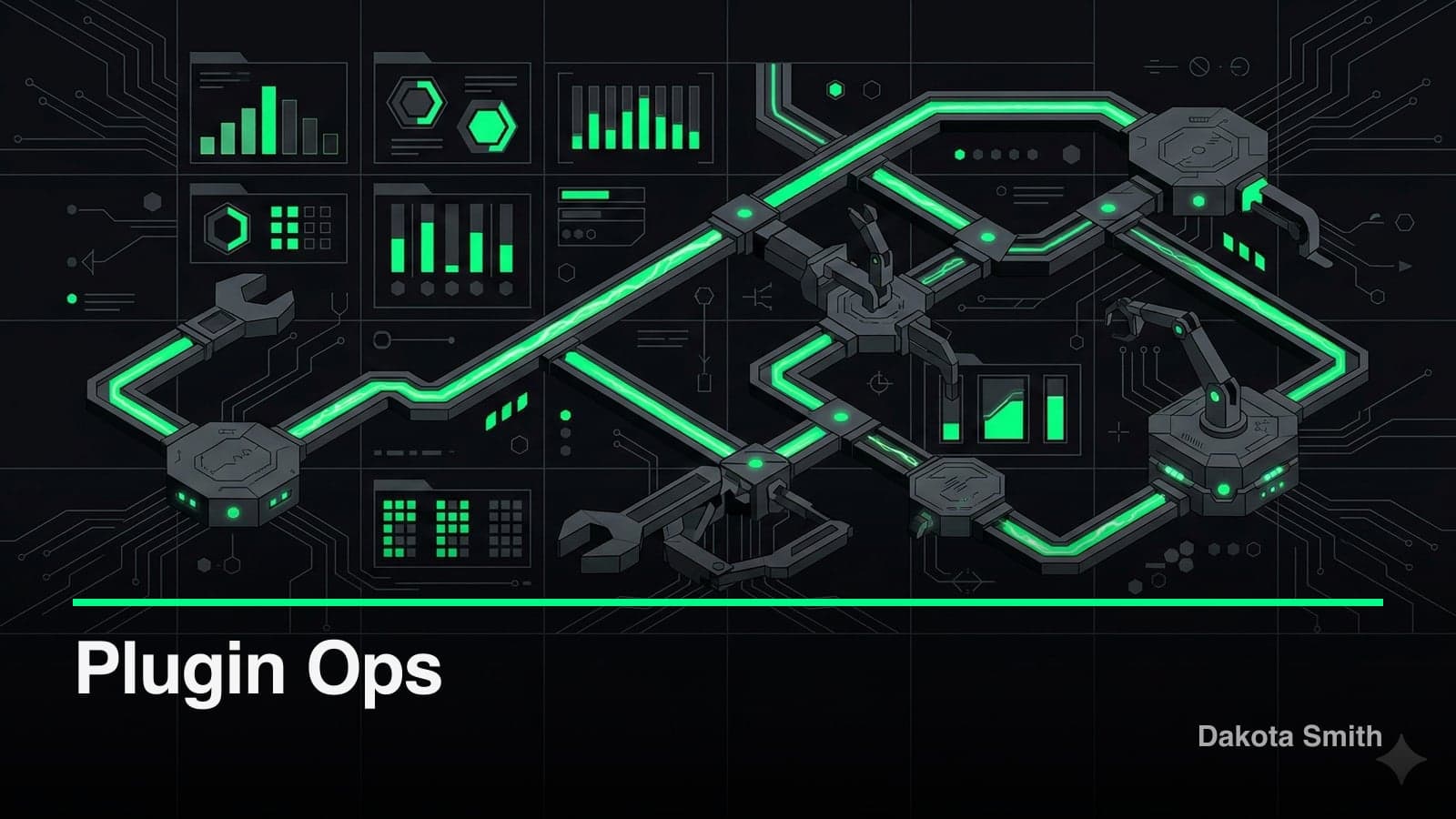
I built a Claude Code plugin that maintains other Claude Code plugins. It runs health scans across ~25 checks, tracks issues with priority-based triage, and automates semver releases with changelog generation. 32 MCP tools. 5 skills. All backed by native Node.js SQLite.
Plugin Ops completes a three-plugin lifecycle toolkit. Plugin Architect designs and builds plugins. Plugin GTM takes them to market. Plugin Ops keeps them healthy after launch.
Project Overview
The Challenge
Claude Code plugins ship fast. The ecosystem is new, documentation is evolving, and most plugins launch without health checks, issue tracking, or release processes. A plugin that works today might break tomorrow when APIs change, dependencies drift, or the Claude Code plugin spec updates.
Manual maintenance doesn't scale. Checking file structure validity, scanning for missing manifests, verifying skill frontmatter, auditing dependencies — these are repetitive tasks. Without automation, they get skipped until something breaks.
The Solution
Plugin Ops provides five operational commands that cover the maintenance lifecycle:
| Command | Purpose |
|---|---|
/ops | Dashboard, project registration, routing |
/ops-health | Run ~25 health checks, export reports |
/ops-issues | File, triage, and track issues |
/ops-release | Semver bumps, changelog generation, git tags |
/ops-runbook | Execute guided operational procedures |
Register a plugin project once, then run health scans on demand. Issues discovered during scans feed directly into the tracker. Releases follow semver with auto-generated changelogs.
Tech Stack
| Category | Technology | Why |
|---|---|---|
| Runtime | Node.js 22+ | Native node:sqlite (DatabaseSync) — zero external deps |
| Protocol | MCP SDK (stdio) | 32 tools + 3 resources over Claude Code's tool system |
| Validation | Zod | Runtime schema validation for all tool parameters |
| Build | tsup (esbuild) | ESM output, bundle: false preserves file structure |
| Persistence | SQLite (WAL mode) | 5 tables with foreign keys and cascading deletes |
| CI | GitHub Actions | Parallel typecheck + build on every push |
Architecture
Plugin Ops mirrors the architecture established by Plugin GTM: a skills layer for user interaction, an MCP server for data operations, and SQLite for persistence.
┌──────────────────────────────────────────────┐
│           Skills Layer (5 SKILL.md)           │
│  /ops  /ops-health  /ops-issues               │
│  /ops-release  /ops-runbook                    │
├──────────────────────────────────────────────┤
│      MCP Server (32 tools, 3 resources)       │
│  Project CRUD │ Health CRUD │ Issue CRUD      │
│  Release CRUD │ Runbook Exec │ Templates      │
├──────────────────────────────────────────────┤
│          SQLite Persistence (WAL)             │
│  projects │ health_checks │ issues            │
│  releases │ runbook_executions                │
└──────────────────────────────────────────────┘
Project Auto-Detection
When you run /ops init in a plugin directory, the system scans the filesystem to classify the project:
export function detectProject(projectPath: string): {
  has_skills: number;
  has_mcp: number;
  has_hooks: number;
  has_agents: number;
  type: ProjectType;
  version: string | null;
  name: string | null;
} {
  // Check for skills/ directory
  if (existsSync(join(projectPath, "skills"))) has_skills = 1;
  // Check for .mcp.json or src/index.ts
  if (existsSync(join(projectPath, ".mcp.json"))) has_mcp = 1;
  // Check for hooks in .claude/settings.json
  // Check for agents/ directory

  // Classify type
  if (has_mcp && has_skills) type = "full";
  else if (has_mcp) type = "mcp";
  else type = "skill-only";

  return { has_skills, has_mcp, has_hooks, has_agents, type, version, name };
}
This detection maps directly to health check templates. A skill-only plugin gets 8 checks. An MCP plugin gets 10. A full plugin gets 15.
Key Features
Health Check Templates
Three templates scale checks based on project complexity:
| Template | Checks | For |
|---|---|---|
skill-only | 8 | Skills-only plugins (Markdown files) |
mcp-plugin | 10 | MCP server plugins (TypeScript runtime) |
full-plugin | 15 | Full plugins with skills, MCP, hooks, and agents |
Checks cover structure (directory layout, manifest validity), skills (frontmatter schema, file sizes), MCP (tool registration, transport config), and quality (README completeness, license presence).
The health check definitions exist in templates, but evaluation happens through Claude. The MCP tools record results — they don't perform the scanning. This delegates intelligence to the LLM while the data layer handles persistence and trend tracking.
Issue Tracking with Health Scan Integration
Issues flow from health scans into a structured tracker with priority, category, and lifecycle management:
server.tool(
  "ops_issue_create",
  "File a new issue for a project",
  {
    project_id: z.string(),
    title: z.string(),
    priority: z.enum(["critical", "high", "medium", "low"]).optional(),
    category: z.enum([
      "bug", "dependency", "quality",
      "structure", "feature", "tech-debt"
    ]).optional(),
    health_check_id: z.string().optional(),
  },
  async (params) => {
    const issue = createIssue(params);
    return { content: [{ type: "text", text: JSON.stringify(issue, null, 2) }] };
  },
);
The health_check_id foreign key links issues to the scan that discovered them. This creates traceability: which scan found the problem, when it was filed, and when it was resolved. Issue stats aggregate by status, priority, and category.
Release Management with Changelog Export
The release workflow handles semver versioning and generates changelogs from the issue history:
// Changelog export renders Markdown from release + issue data
export function exportChangelog(projectId: string): string {
  const releases = listReleases(projectId);
  return releases.map(release => {
    const issues = listIssuesByRelease(release.id);
    return `## ${release.version} (${release.released_at})\n\n` +
      issues.map(i => `- ${i.title}`).join("\n");
  }).join("\n\n");
}
Each release records the version, release date, notes, and associated file changes. The export produces a CHANGELOG.md with diff detection — the same drift detection pattern from Plugin GTM.
Performance Results
| Metric | Manual Maintenance | With plugin-ops | Improvement |
|---|---|---|---|
| Time to audit plugin health | 30-60 min | 2-5 min | 10x faster |
| Issue tracking for plugins | Ad-hoc/none | Structured with triage | Full lifecycle |
| Release changelog generation | Manual | Automatic from issues | Time saved |
| Ops procedure consistency | Memory-dependent | Runbook-guided | Reproducible |
The Tradeoffs
What This Costs
Health scanning is LLM-driven, not deterministic. The check templates define what to look for, but Claude performs the evaluation. Results can vary between sessions. A deterministic linter would produce consistent output but couldn't evaluate subjective criteria like "README completeness."
No test suite. Plugin Ops ships without tests. For a tool that audits the health of other plugins — including checking for test coverage — this is an ironic gap. The architecture mirrors Plugin GTM, which has 106 tests, so retrofitting tests is straightforward.
Migrations run on every connection. The 5-second TTL on database connections means migrate() executes on every reconnection. The migrations are idempotent (CREATE TABLE IF NOT EXISTS and PRAGMA table_info checks), but the overhead is unnecessary for a stable schema.
Cascade deletes risk data loss. Deleting a project removes all health checks, issues, releases, and runbook executions. There's no soft-delete mechanism at the data layer. The skill layer asks for confirmation, but a direct MCP tool call bypasses that guardrail.
When Not to Use This
Plugin Ops works for solo plugin developers managing 1-10 projects. It breaks down when:
- Multiple developers need concurrent access to the same database
- You need deterministic, reproducible health scans (use a linter instead)
- Plugin maintenance requires integration with external issue trackers (GitHub Issues, Linear)
- You're managing non-plugin projects (the health templates are plugin-specific)
Lessons Learned
What Worked Well
Shared architectural patterns. Building Plugin Ops after Plugin GTM meant reusing the same patterns: TTL connection pool, Zod validation, SKILL.md conventions, WAL mode SQLite. The commit history shows 3 commits to reach feature completeness. Shared patterns eliminated most architectural decisions.
Template-based health checks. Scaling checks by project type avoids overwhelming simple plugins with irrelevant checks. A skill-only plugin doesn't need MCP transport validation.
Runbooks as first-class operations. Recording runbook executions — which steps were completed, how long they took, what failed — turns tribal knowledge into auditable procedures.
What I'd Do Differently
Add deterministic checks alongside LLM evaluation. Programmatic validation for objective criteria (JSON validity, file existence, semver format) would make health scans reproducible. Reserve LLM evaluation for subjective criteria (documentation quality, API design).
Implement soft deletes. Cascade deletion is aggressive for a maintenance tool. Archiving projects instead of deleting them would preserve historical data.
Write tests from the start. Plugin GTM's test suite caught edge cases in content versioning and export. Plugin Ops would benefit from the same coverage, especially for migration code.
Conclusion
Plugin Ops closes the lifecycle loop for Claude Code plugins. Design with Plugin Architect, launch with Plugin GTM, maintain with Plugin Ops.
The three plugins share architectural DNA: MCP servers with SQLite persistence, Zod-validated tools, and SKILL.md-driven user interaction. Building them in sequence — architect first, then GTM, then ops — created compounding velocity. Each plugin took less time than the last because the patterns were established.
Key Takeaways:
- Project auto-detection maps plugin structure to the right health check template, avoiding irrelevant checks for simpler projects
- Linking issues to health scans creates traceability from discovery to resolution
- LLM-driven evaluation handles subjective quality criteria that deterministic linters cannot assess
- Shared architectural patterns between plugins reduce time-to-ship for each subsequent project
- The lifecycle toolkit pattern (build → launch → maintain) covers gaps that individual tools leave open
Source Code: GitHub
You Might Also Like
Building Plugin GTM: A Go-To-Market Engine Inside Claude Code
Learn how I built a 29-tool MCP server that handles product analysis, GTM strategy, content generation, and launch tracking without leaving the terminal.
Building Plugin Architect: A Zero-Code Claude Code Plugin
Discover how 30KB of prompt engineering replaced a SQLite-backed codebase to become a complete plugin design system for Claude Code's 6 extension points.
Claude Code Skills and the Agent Skills Open Standard
Build portable AI agent capabilities with Claude Code's SKILL.md format. The Agent Skills open standard works across 10+ platforms including GitHub Copilot.
Comments
Loading comments...