MCP Apps: Interactive UI Has Entered the Chat
Explore how MCP Apps turn AI chat into an interactive canvas with embedded dashboards, forms, and 3D visualizations—no client-specific code required.
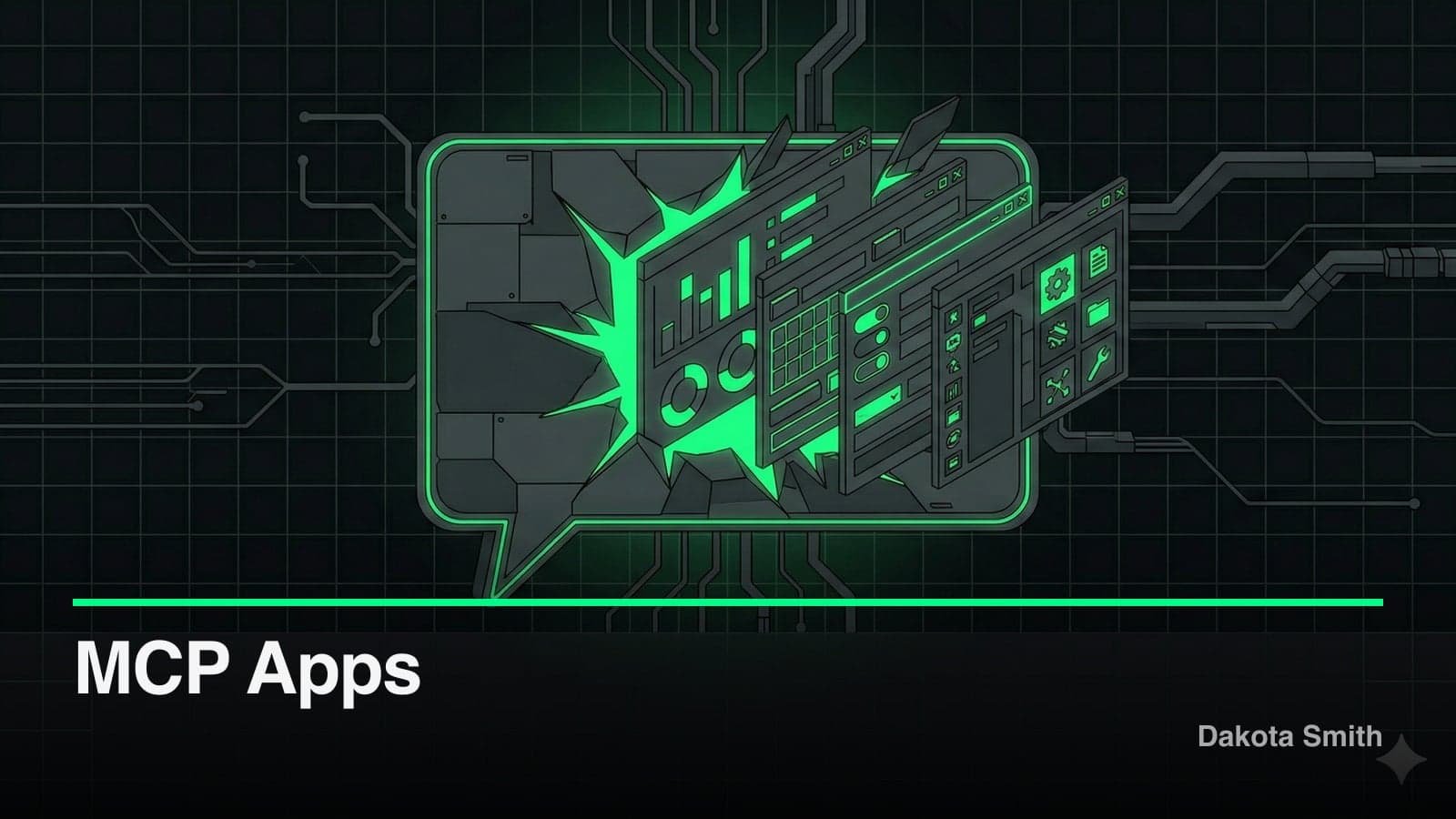
Two weeks ago, MCP tools returned text. Today, with MCP Apps, they return entire applications.
MCP Apps launched on January 26, 2026, as the first official extension to the Model Context Protocol. The concept: tools no longer limit themselves to text responses. They ship interactive HTML interfaces—dashboards, forms, 3D visualizations, PDF viewers—that render directly inside the conversation. Six clients support MCP Apps at launch. Ten companies shipped integrations on day one. The ext-apps repository hit 1.4k GitHub stars in its first two weeks.
This post covers what MCP Apps are, how the architecture works, and why it matters for developers building on MCP.
What Changes With Interactive Tools
Traditional MCP tools accept input and return structured data. The host renders it as text, images, or resource links. That works for most tasks. But some interactions demand more than a text response.
Ask an AI "show me sales by region" and you get a list of numbers. With this extension, the same tool returns an interactive map. Users click regions to drill down, hover for details, and toggle metrics—all without additional prompts. The interaction stays inside the conversation, right alongside the discussion that prompted it.
Here's what interactive tool UIs enable that text responses cannot:
- Data exploration — Interactive dashboards with filtering, sorting, and export
- Configuration wizards — Forms with dependent fields, validation, and defaults
- Rich media — PDF viewers, 3D model renderers, sheet music displays
- Real-time monitoring — Live-updating metrics without repeated prompts
- Multi-step workflows — Approval flows, code review, issue triage with persistent state
The ext-apps repo ships 12+ working examples covering these exact use cases: Three.js 3D scenes, CesiumJS globe maps, cohort heatmaps, budget allocators, PDF viewers, system monitors, and more.
How the Architecture Works
MCP Apps combine two existing MCP primitives in a new way: tools and resources.
A tool declares a UI resource in its description using a _meta.ui.resourceUri field. That URI uses the ui:// scheme and points to an HTML page served by the MCP server. When the host calls the tool, four things happen:
- UI preloading — The host fetches the
ui://resource before the tool completes, enabling streamed inputs - Resource fetch — The server returns bundled HTML (with CSS/JS inlined via tools like
vite-plugin-singlefile) - Sandboxed rendering — The host renders the HTML inside a sandboxed iframe with restricted permissions
- Bidirectional communication — The app and host exchange messages via JSON-RPC over
postMessage
The app stays isolated from the host. It cannot access the parent DOM, read cookies, or escape its container. All communication flows through a structured, auditable message protocol.
// Server: register a tool with UI metadata
const resourceUri = "ui://dashboard/app.html";

registerAppTool(
  server,
  "show-dashboard",
  {
    title: "Dashboard",
    description: "Displays an interactive analytics dashboard.",
    inputSchema: { type: "object", properties: { region: { type: "string" } } },
    _meta: { ui: { resourceUri } },
  },
  async ({ region }) => ({
    content: [{ type: "text", text: JSON.stringify(await getAnalytics(region)) }],
  }),
);
// Client: the App class handles host communication
import { App } from "@modelcontextprotocol/ext-apps";
const app = new App({ name: "Dashboard", version: "1.0.0" });
app.connect();
// Receive the initial tool result
app.ontoolresult = (result) => {
const data = JSON.parse(result.content?.find(c => c.type === "text")?.text);
renderChart(data);
};
// Call server tools from the UI when users interact
document.getElementById("refresh").addEventListener("click", async () => {
const result = await app.callServerTool({ name: "show-dashboard", arguments: { region: "us-west" } });
renderChart(JSON.parse(result.content?.find(c => c.type === "text")?.text));
});The App class from @modelcontextprotocol/ext-apps abstracts the postMessage protocol. It provides methods for receiving tool results, calling server tools, updating model context, logging events, and opening browser links. You can also skip the SDK entirely and implement the JSON-RPC protocol directly.
Why This Matters for Developers
Before this extension, building interactive experiences for AI chat required client-specific code. A Slack integration needed Slack Block Kit. A Claude integration needed Claude's custom format. Every platform had its own UI contract.
The new standard defines a single contract: HTML in a sandboxed iframe with JSON-RPC messaging. Write your app once, and it renders in Claude, VS Code Insiders, Goose, Postman, MCPJam, and ChatGPT (support rolling out now). JetBrains, AWS, and Google DeepMind have all signaled interest.
The practical impact: a tool developer ships one interactive experience that works across every compliant host. No client-specific code. No platform-locked UI. If you've followed the evolution of AI dev tools, this represents a similar shift—from fragmented, platform-specific approaches to a shared standard.
The SDK supports this portability with framework starter templates for React, Vue, Svelte, Preact, Solid, and vanilla JavaScript. Each template demonstrates the same patterns adapted to the framework's conventions.
Ten companies shipped launch-day integrations: Amplitude, Asana, Box, Canva, Clay, Figma, Hex, monday.com, Slack, and Salesforce. These aren't demos—they're production servers that return interactive UIs in any supporting client.
Building Your First MCP App
The fastest path uses the create-mcp-app skill with an AI coding agent:
# Install the skill in Claude Code
/plugin marketplace add modelcontextprotocol/ext-apps
/plugin install mcp-apps@modelcontextprotocol-ext-apps

# Then ask your agent:
# "Create an MCP App that displays a color picker"
For manual setup, the dependencies are minimal:
npm install @modelcontextprotocol/ext-apps @modelcontextprotocol/sdk
npm install -D typescript vite vite-plugin-singlefile express cors tsx
A typical project structure separates server from UI:
my-mcp-app/
├── server.ts          # MCP server with tool + resource registration
├── mcp-app.html       # UI entry point
├── src/
│   └── mcp-app.ts     # UI logic using the App class
├── vite.config.ts     # Bundles HTML into single file
└── package.json
Build, serve, and test:
npm run build && npm run serve
# Server runs at http://localhost:3001/mcp
To test locally with Claude, tunnel your server with cloudflared:
npx cloudflared tunnel --url http://localhost:3001Then add the generated URL as a custom connector in Claude's settings.
The repo also includes a basic-host test interface at localhost:8080 that renders your app without needing a full AI client. Useful for rapid iteration during development.
What's Next
The extension went from proposal (November 2025) to production (January 2026) in about two months. The spec has a stable 2026-01-26 version and an active draft for the next iteration.
The ecosystem is moving fast. Microsoft 365 Copilot Chat plans to support interactive tool UIs with rich widgets starting late February 2026. ChatGPT support is rolling out. The collaboration between Anthropic, OpenAI, and the MCP-UI community on a shared standard signals that this isn't a vendor-locked feature—it's infrastructure. That cross-platform AI tooling convergence will reshape how developers build integrations.
For developers building MCP servers, the question shifts from "what data does my tool return?" to "what experience does my tool deliver?" The answer no longer has to be text.
Conclusion
MCP Apps represent the biggest expansion of the Model Context Protocol since its launch. Interactive HTML rendered inside AI conversations, secured by iframe sandboxing, portable across every major AI client—all from a single codebase. Two weeks in, the adoption signals are strong: 1.4k GitHub stars, 10 launch partners, 6+ supporting clients, and major platforms lining up.
Key Takeaways:
- MCP Apps are the first official MCP extension, enabling interactive HTML UIs inside AI conversations
- The architecture uses sandboxed iframes with JSON-RPC over postMessage for security and portability
- One codebase runs across 6+ AI clients with zero platform-specific UI code
- 10 companies shipped production integrations at launch; more adopting weekly
- The
@modelcontextprotocol/ext-appsSDK supports React, Vue, Svelte, Preact, Solid, and vanilla JS
Start with the official docs, clone the ext-apps repo, and run any of the 12+ examples to see interactive tool UIs in action.
You Might Also Like
WebMCP: How Chrome Turns Websites Into AI Agent APIs
Explore Chrome's WebMCP protocol that lets websites expose structured tools to AI agents, replacing brittle scraping with stable, typed APIs.
Building Plugin GTM: A Go-To-Market Engine Inside Claude Code
Learn how I built a 29-tool MCP server that handles product analysis, GTM strategy, content generation, and launch tracking without leaving the terminal.
Building Plugin Ops: A Claude Code Plugin for Plugin Maintenance
Explore how I built a 32-tool MCP server with health scanning, issue tracking, release management, and operational runbooks for Claude Code plugins.
Comments
Loading comments...