WebMCP: How Chrome Turns Websites Into AI Agent APIs
Explore Chrome's WebMCP protocol that lets websites expose structured tools to AI agents, replacing brittle scraping with stable, typed APIs.
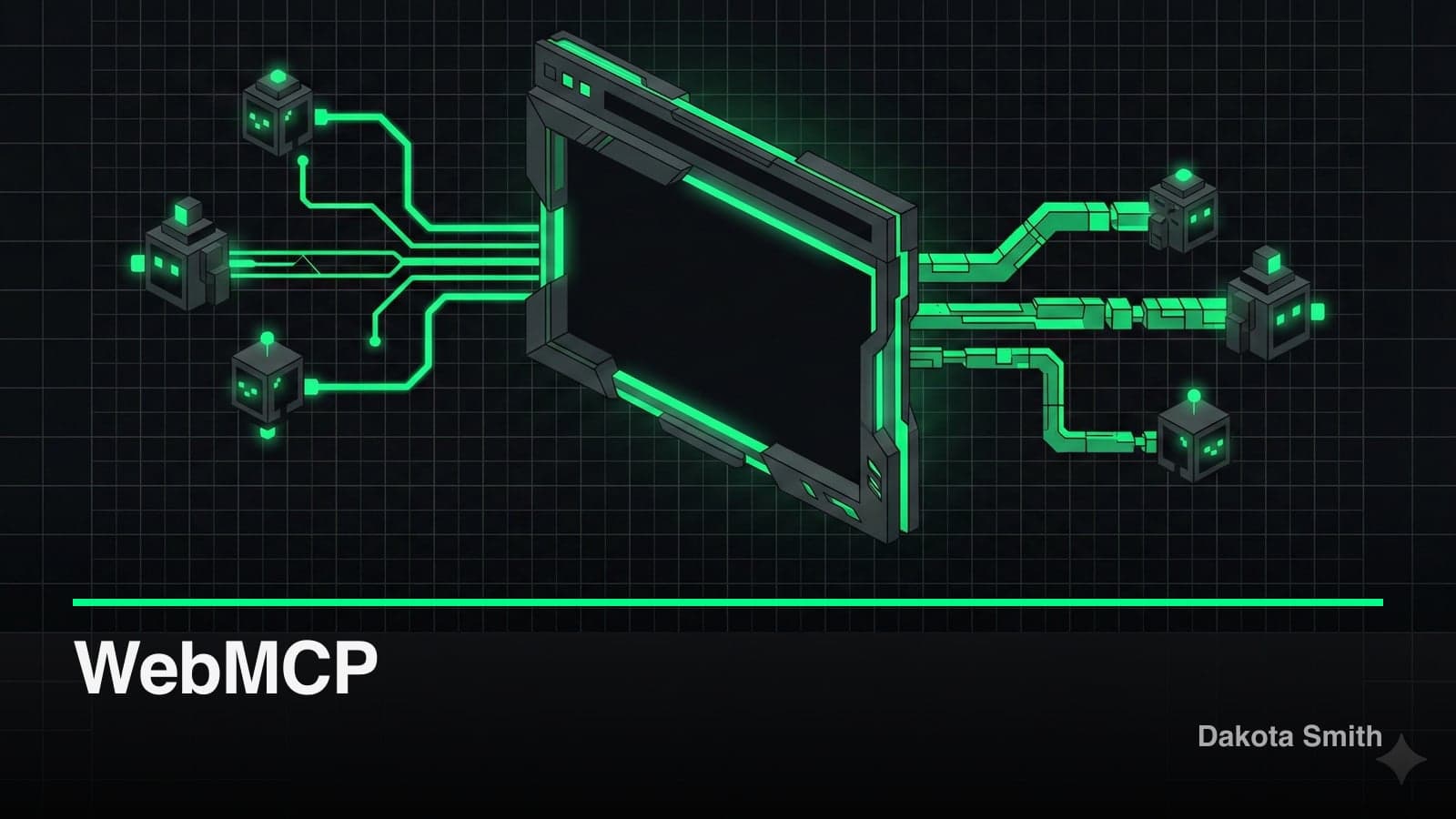
Chrome 145 shipped WebMCP — a browser-native protocol that lets websites expose structured tools to AI agents through typed APIs instead of DOM scraping. Released as an early preview on February 10, 2026, and backed by Google and Microsoft, WebMCP replaces the brittle screenshot-and-scrape pattern with schema-validated tool interfaces that agents call directly.
This matters because AI agents are already the majority of web traffic. Bots account for 51% of all web requests, and most interact with sites through pixel analysis and HTML parsing — approaches that break whenever a CSS class changes or a button moves. WebMCP proposes a structured alternative.
This post covers how WebMCP works, its two API approaches, where it fits within the 17,000+ server MCP ecosystem, and the significant gaps you need to understand before building on it.
The Problem: Agents Are Scraping Like It's 2005
Current AI agents interact with websites the same way early screen readers did — by parsing visual layouts. Tools like Playwright MCP take screenshots, analyze DOM trees, and simulate clicks. This works, but it's fragile.
A website redesign breaks every agent that depends on specific HTML structure. A CSS change makes a button invisible to screenshot analysis. Processing entire DOM trees or full-page screenshots wastes tokens and adds latency to every agent action.
WebMCP addresses this by giving developers a way to declare what their site can do. Instead of agents guessing from visual cues, sites expose named tools with typed parameters and structured responses.
How WebMCP Works: Two API Approaches
WebMCP provides two ways to expose tools: a declarative HTML approach for forms, and an imperative JavaScript API for complex interactions. Both register tools through the same underlying navigator.modelContext interface.
Declarative API: HTML Forms as Tools
The declarative approach requires zero JavaScript. Standard HTML forms gain three new attributes that make them visible to AI agents:
<form toolname="book_table"
      tooldescription="Creates a dining reservation at the restaurant">
  <input name="email"
         toolparamdescription="Customer email for confirmation" />
  <input name="date" type="date"
         toolparamdescription="Reservation date in YYYY-MM-DD format" />
  <input name="party_size" type="number"
         toolparamdescription="Number of guests, 1-12" />
  <button type="submit">Reserve</button>
</form>
The toolname attribute declares the tool identifier. The tooldescription gives agents natural language context. And toolparamdescription on each input documents the expected parameter. An agent encountering this form knows it can call book_table with typed parameters — no screenshot parsing required.
Imperative API: JavaScript Tool Registration
For single-page applications and dynamic interactions, the imperative API provides programmatic tool registration:
navigator.modelContext.registerTool({
  name: "search_flights",
  description: "Search available flights between two airports",
  inputSchema: {
    type: "object",
    properties: {
      origin: { type: "string", description: "IATA airport code" },
      destination: { type: "string", description: "IATA airport code" },
      departure_date: { type: "string", format: "date" },
      passengers: { type: "integer", minimum: 1, maximum: 9 }
    },
    required: ["origin", "destination", "departure_date"]
  },
  outputSchema: {
    type: "string",
    description: "JSON array of matching flights with prices"
  },
  execute: async (params) => {
    const results = await flightAPI.search(params);
    return JSON.stringify(results);
  }
});
This gives developers full control over schemas, validation, and execution logic. Tools registered this way should follow component lifecycle patterns — register on mount, unregister on cleanup:
useEffect(() => {
  navigator.modelContext.registerTool(flightSearchTool);
  return () => navigator.modelContext.unregisterTool("search_flights");
}, []);
Which API to Use
| Scenario | Approach | Why |
|---|---|---|
| Contact forms, search bars | Declarative | Static HTML, no JS needed |
| Multi-step checkout flows | Imperative | Dynamic state, conditional logic |
| Content filtering | Declarative | Standard form behavior |
| Real-time data queries | Imperative | API integration, async execution |
The declarative API covers the 80% case — most web interactions are form submissions. The imperative API handles the remaining 20% where JavaScript execution is unavoidable.
Where WebMCP Fits Today
WebMCP targets three use cases in its early preview:
E-commerce. Agents call search_products, add_to_cart, and checkout with structured parameters instead of navigating product pages visually. This eliminates the brittle dependency on specific button placements and page layouts.
Travel booking. An agent parsing "round-trip flight for two from London to NYC, March 15-22" calls search_flights() with typed parameters. No form filling, no calendar widget navigation, no screenshot interpretation.
Customer support. Support agents auto-fill technical details into structured tools rather than copying text between windows and parsing unstructured responses.
If you've worked with MCP (Model Context Protocol) in desktop AI tools, the mental model translates directly. WebMCP brings the same tool-registration pattern to browser-based agents — websites become MCP servers, and in-browser AI becomes the client.
The MCP Ecosystem WebMCP Is Entering
WebMCP doesn't exist in a vacuum. It lands in an MCP ecosystem that exploded from roughly 100 servers at Anthropic's November 2024 launch to over 17,000 across all directories by January 2026 — a 16,000% increase. Monthly SDK downloads crossed 97 million. Every major AI company now backs the protocol.
In December 2025, Anthropic donated MCP to the Linux Foundation's newly formed Agentic AI Foundation, co-founded by Anthropic, Block, and OpenAI. Platinum members include AWS, Cloudflare, Google, and Microsoft. MCP is no longer one company's project — it's an industry standard with formal governance.
That context matters for WebMCP because the browser is the last major surface area without native MCP support. Desktop IDEs, CLI tools, and cloud platforms all have it. The web doesn't — yet.
First-Party MCPs That Define the Ecosystem
The shift from community-built servers to official, company-hosted integrations marks 2025-2026 as MCP's enterprise inflection point. These are the servers shaping how developers interact with MCP daily.
Figma MCP is the one developers talk about most. Figma's official MCP server — launched in beta June 2025 and generally available by October — lets AI coding agents pull design context directly from Figma into development workflows. Select a frame, and your AI agent generates React/Tailwind code with real design tokens, layout constraints, and component metadata. It works with Cursor, VS Code Copilot, Claude Code, and Windsurf. In February 2026, Figma expanded further with custom MCP connectors for Figma Make, plus certified integrations with Amplitude, Dovetail, and four other services.
Stripe MCP exposes full payment operations — manage customers, products, pricing, invoices, refunds, and subscriptions through AI agents. The remote server at mcp.stripe.com uses OAuth authentication with parallel tool execution for batch operations. The practical impact: developers query billing data, create test subscriptions, and debug payment flows without leaving their AI coding environment.
Notion MCP provides full CRUD on pages, databases, blocks, and comments. Enterprise features include MCP activity tracking in audit logs and multi-database queries. In February 2026, Notion launched Custom Agents — autonomous AI that works across Notion, Slack, Figma, Linear, and custom MCP servers.
GitHub MCP goes beyond basic repo access. It covers issue management, PR workflows, Actions monitoring, security findings, and code search — with content sanitization enabled by default for prompt injection protection. GitHub's December 2025 update added tool-specific configuration and lockdown mode.
Cloudflare plays a dual role: infrastructure provider for hosting remote MCP servers (used by Atlassian, Stripe, Linear, PayPal, Sentry, and others) and publisher of 13+ first-party servers for Workers, R2, KV, and D1. Their MCP Demo Day showcased 10 companies building production MCP servers on Cloudflare's edge network.
Other official servers worth tracking: Linear for issue tracking with OAuth 2.1, Supabase with 20+ tools for database management and migrations, Slack for channel search and messaging, Vercel for deployment management, Atlassian for Jira and Confluence, and Google Cloud for Maps, BigQuery, and Kubernetes Engine.
Where WebMCP Fills the Gap
Every server listed above operates outside the browser. They connect through local stdio processes, remote HTTP endpoints, or IDE extensions. When an AI agent needs to interact with a website — not an API, but an actual web interface — it falls back to Playwright screenshots and DOM scraping.
WebMCP closes this gap. A website that implements navigator.modelContext.registerTool() becomes a first-class MCP server, discoverable by in-browser AI the same way Stripe's MCP server is discoverable by Claude Code. The protocol difference: these servers live inside the page itself, exposing tools that reflect the site's actual capabilities rather than an external API's interpretation of them.
The 17,000+ existing MCP servers handle the API layer. WebMCP handles the presentation layer. Together, they cover the full stack of agent-to-service communication.
Tradeoffs and Limitations
WebMCP is an early preview with significant gaps. Understanding them before building on this protocol is essential.
No security model. The specification defines no authentication, permission, or sandboxing mechanisms. Malicious websites can create "poisoned" tools with misleading descriptions — a tool named confirm_order could execute a different action entirely. No CORS-like policies exist for tool access. Until the security model matures, treat every WebMCP tool as untrusted input.
No headless mode. WebMCP requires a visible browser window with UI synchronization. This blocks server-side agent architectures and automated testing pipelines that run headless Chrome. If your agents operate without a display, WebMCP doesn't work.
Tool discoverability is unsolved. There's no standard for agents to discover which tools a site exposes before loading the page. No registry, no manifest file, no robots.txt equivalent for tool declarations. Agents must visit each page to learn what's available.
No error handling standards. The protocol doesn't define how tools should report failures, validation errors, or rate limits. Each implementation invents its own error format, which defeats the standardization goal.
Early preview access only. Chrome 145+ with feature flags enabled, or Canary 146+. Chrome's early preview program signup is required for documentation access. Production deployment is not viable yet.
When NOT to Use WebMCP
- Production applications. The API surface is unstable and the security model is undefined. Building production features on this protocol is premature.
- Sites without agent use cases. A personal blog or portfolio has no meaningful tools to expose. WebMCP adds complexity without benefit for read-only content.
- Security-sensitive workflows. Payment processing, authentication flows, and data access should wait for sandboxing and permission models.
- Server-side agents. The headless mode limitation eliminates backend agent architectures entirely.
What This Means for Developers
WebMCP signals a directional shift in how the web handles AI agent traffic. Google and Microsoft back the proposal, which moves it beyond research experiment territory.
The practical impact depends on your timeline:
Right now: Experiment with the declarative API on non-critical forms. Adding toolname and tooldescription attributes to existing HTML is low-risk and reversible. It builds familiarity with the mental model before the protocol stabilizes.
Next 6 months: Watch the security model development. The permission and sandboxing specifications will determine whether WebMCP is viable for anything beyond demos.
Next 12 months: If the security model materializes, the imperative API becomes the primary integration point for SPAs and complex web applications. Start identifying which user flows would benefit from structured agent access. Companies like Figma, Stripe, and Notion already committed to MCP for their APIs — expect them to adopt WebMCP for their web interfaces once the protocol stabilizes.
Conclusion
WebMCP turns websites from opaque visual interfaces into structured tool providers for AI agents. Chrome 145's early preview delivers two APIs — declarative HTML attributes for forms and an imperative JavaScript interface for complex interactions — and it arrives at the right time: the MCP ecosystem has 17,000+ servers, 97 million monthly SDK downloads, and backing from every major AI company through the Linux Foundation's Agentic AI Foundation.
Key Takeaways:
- WebMCP replaces brittle DOM scraping with typed, schema-validated tool interfaces that AI agents call directly
- The declarative API (
toolname,tooldescriptionattributes) requires zero JavaScript and works on any HTML form - The imperative API (
navigator.modelContext.registerTool()) handles stateful interactions with full JSON Schema validation - The MCP ecosystem exploded to 17,000+ servers — Figma, Stripe, Notion, GitHub, and Cloudflare all ship official first-party integrations
- WebMCP fills the browser gap: existing MCPs handle APIs, WebMCP handles web interfaces
- The security model is undefined — no authentication, sandboxing, or permission mechanisms exist yet
- This is an early preview in Chrome 145+, not production-ready — experiment on non-critical surfaces only
The protocol addresses a real problem: 51% of web traffic comes from bots, and most interact through brittle scraping. The ecosystem infrastructure is already in place — first-party MCPs from Figma, Stripe, and GitHub prove that companies will invest in structured agent access. Whether WebMCP becomes the browser-native standard depends on how fast the security and discoverability gaps close. For now, understand the API surface, track the specification, and keep your forms ready.
You Might Also Like
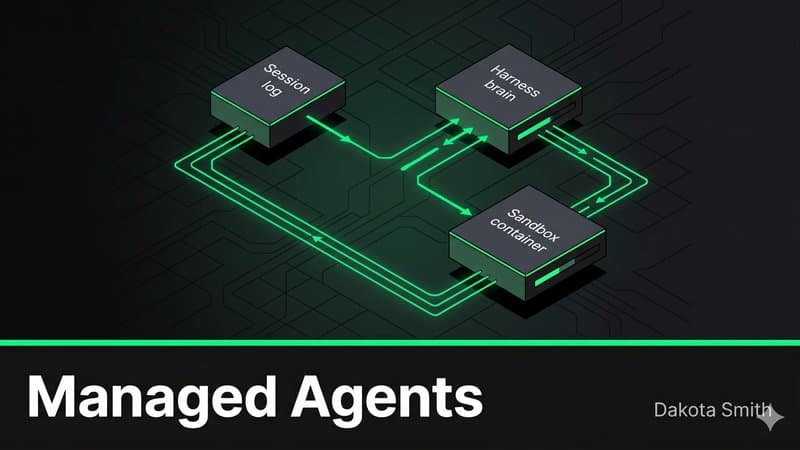
Claude Managed Agents: The End of DIY Agent Infrastructure
Discover how Claude Managed Agents replaces months of custom agent infrastructure with a decoupled architecture that cuts time-to-first-token 60%.
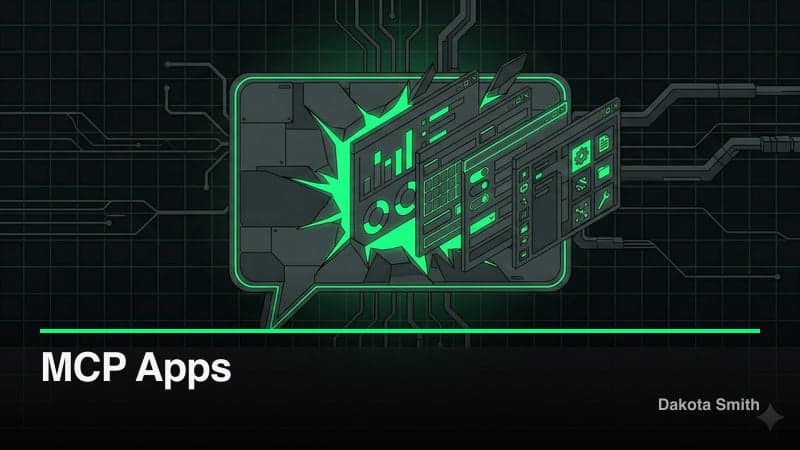
MCP Apps: Interactive UI Has Entered the Chat
Explore how MCP Apps turn AI chat into an interactive canvas with embedded dashboards, forms, and 3D visualizations—no client-specific code required.
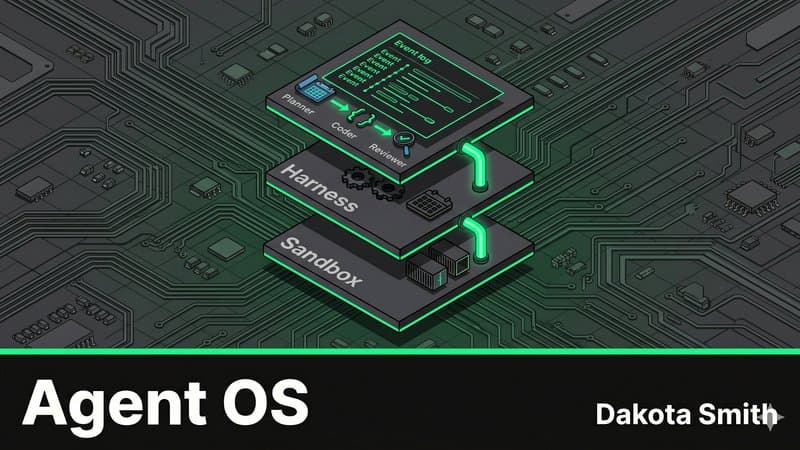
The Agent Operating System: Multi-Agent Pipelines with Claude
Map OS abstractions to Claude Managed Agents architecture and build a three-agent auto-PR pipeline that plans, codes, and reviews autonomously.
Comments
Loading comments...